MAX PRO 18
©
Operator Manual
Original Printed in English
TECHNICIAN BUTTON
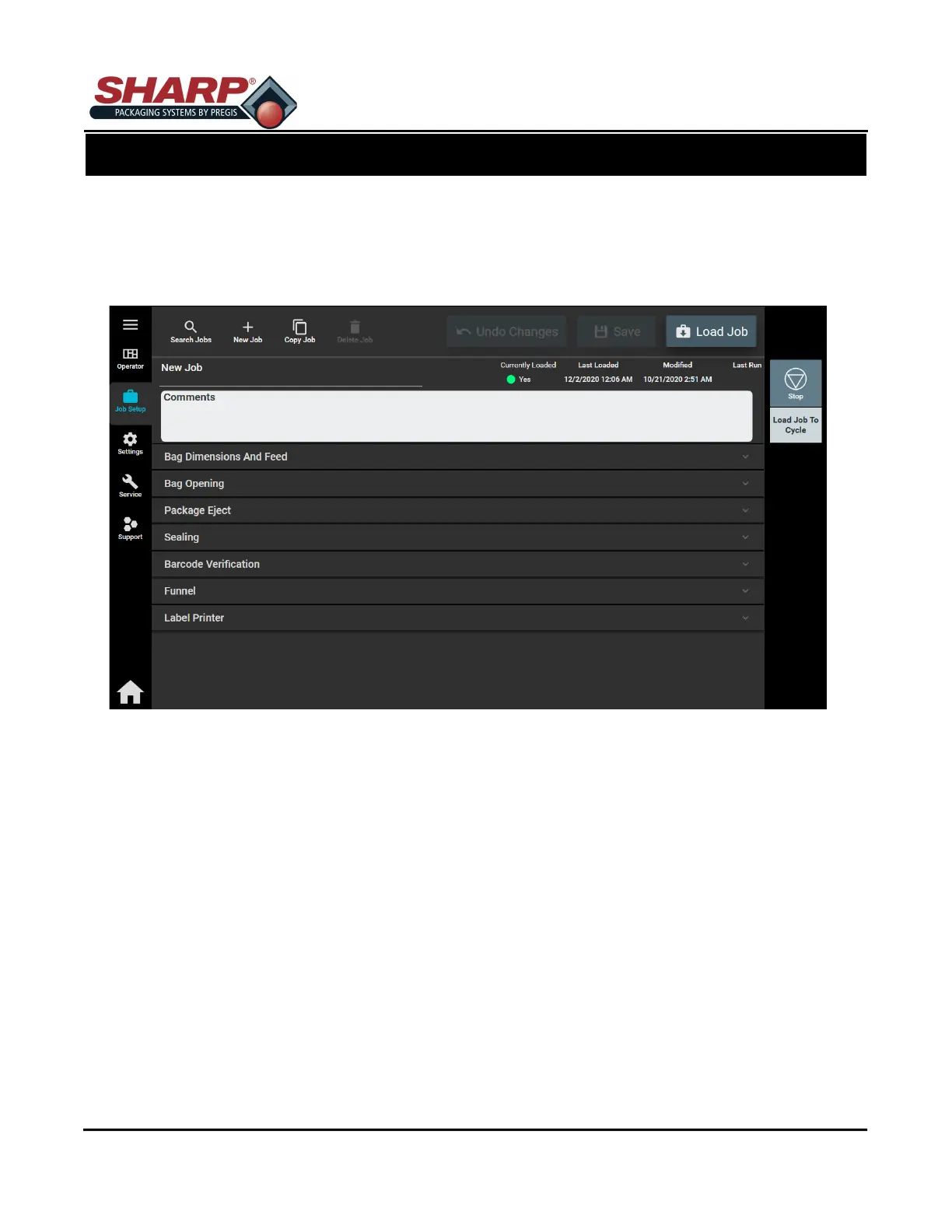
Pressing the Technician Button from the Home Screen opens the Job Setup Screen. This screen allows a Us-
er to configure Bag Dimensions and Feed Speed, Bag Opening, Package Eject, Pressure Bar and Seal Bar,
Auxiliary Input/output and Printer. Access to this screen is password protected.
SCREEN NAVIGATION
SECTION 2 - CONTROLS
2-5



 To Next Page