MAX PRO 18
©
Operator Manual
Original Printed in English
SCREEN NAVIGATION
SECTION 2 - CONTROLS
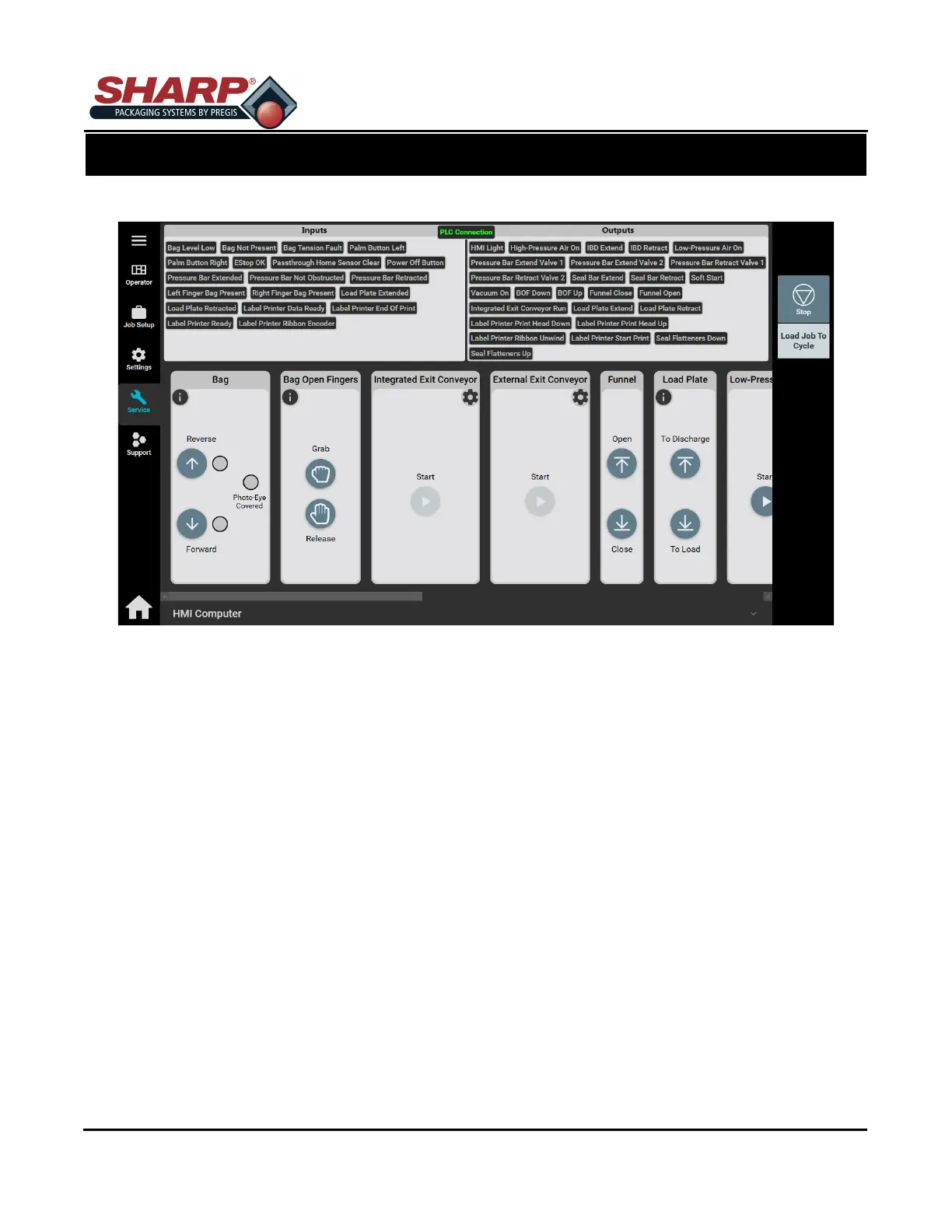
SERVICE SCREEN - BAG
BAG
Photo-Eye Covered: Green light indicates the Photo-eye detects bag.
Reverse: Pressing Reverse button will reverse the web as long as button is pressed.
Forward: Pressing Forward button will advance the web as long as button is pressed.
BAGS MADE
Total: Displays the total number of completed bags since last reset.
BAGS REJECTED
Total: The total number of bags that have been rejected since last reset.
Reset Counters: Pressing Reset will clear the Total Bags Made or Bags Rejected totals.
2-15



 To Next Page