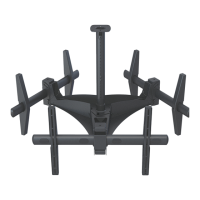
RTM-L
Installation Instructions Page 11
Display Orientation
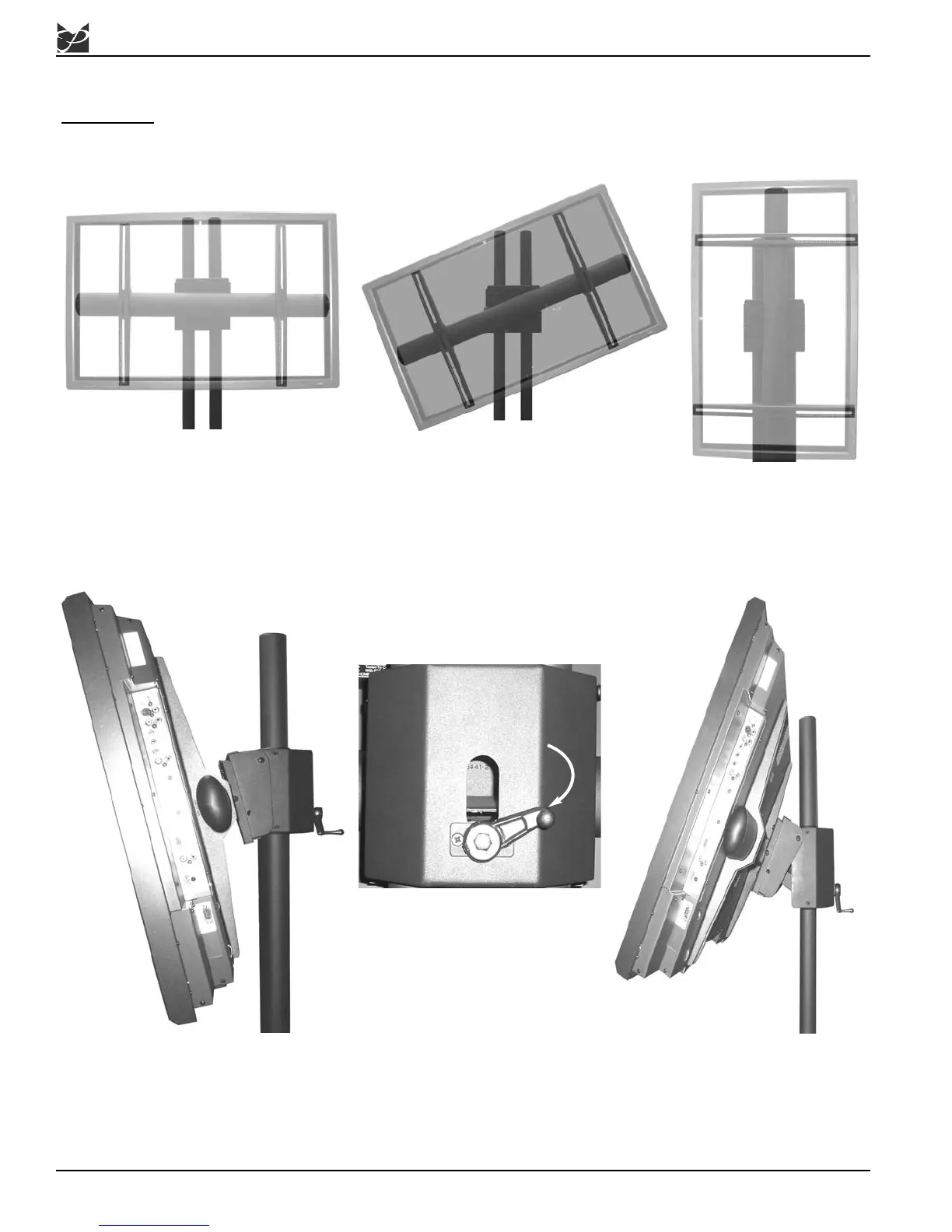
The RTM-L will allow the user to adjust the display a full 360°.
W
ARNING: BEFORE ROTATING THE RTM-L, MAKE SURE THAT THE M6 KNURL KNOB IS
SECURELY FASTENED TO THE RTM-L. ALSO, PLEASE MAKE SURE YOU ALLOW
ENOUGH CABLE AND WIRE CLEARANCE FOR FULL ROTATION.
1. To adjust the RTM-L, rotate the
display either clockwise or
counter-clockwise.
2. Tighten the two
Phillips head locking
screws (see Step 5,
Page 10).
Tilt Positioning
The RTM-L has the ability to tilt
35° up.
Rotate the crank handle to tilt
the RTM-L:
Down - Clockwise
Up - Counter-Clockwise
The RTM-L has the ability to tilt 10°
down.
1. Once the position has been locked down, use an Allen wrench to take off the crank handle.
2. Once the crank handle has been removed, re-attach the crank handle, but in the opposite direction from
what it was. This is the storage position for the handle.



 To Next Page