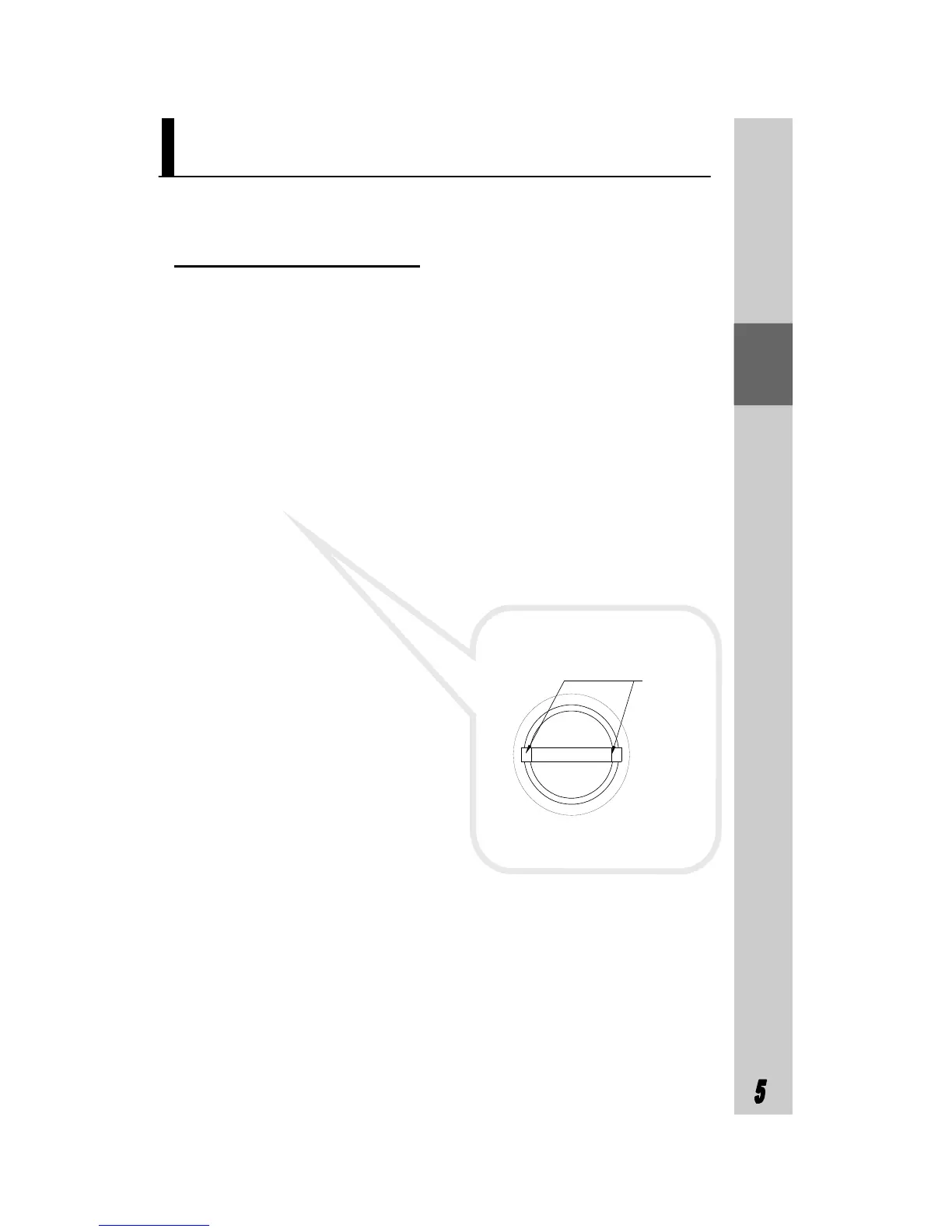
clip
pic 3
Lamp Change
As with any maintenance on the appliance, first turn off the
power supply by unplugging from the wall socket. From the
rear of the lamp socket, detach the low-voltage electric con-
nector. Then press the lamp’s clip to take out the lamp
holder (see pic 3). Change the lamp (LED Lamp Max.1.5W)
and then reinstall in the reverse manner.



 To Next Page