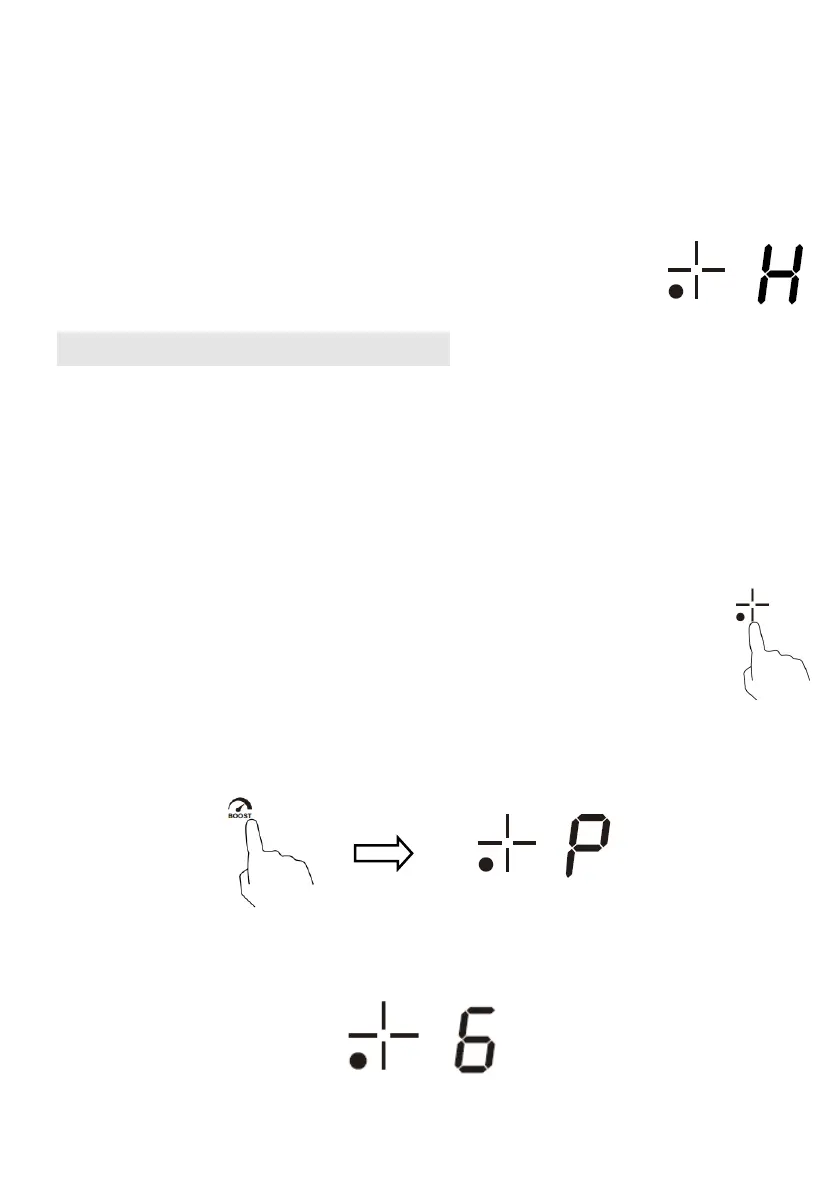
4. Beware of hot surfaces
“H” will show which cooking zone is hot to touch. It will disappear when the
surface has cooled down to a safe temperature. It can also be used as an energy
saving function if you want to heat further pans, use the hotplate that is still hot.
Using the Boost Function
Boost is the function that one zone rising to a larger power in one second and
lasting for 5 minutes. Thus you can get a more powerful and faster cooking.
Using the Boost to get larger power
1. Touch the heating zone selection button that you wish to boost, an indicator
next to the key will flash.
2. Touch the Boost button, the heating zone will begin to work at Boost mode.
The power display will show “P” to indicate that the zone is boosting.
3. The Boost power will last for 5 minutes and then the zone will go back to the
power stage which was set before boost.


 To Next Page