Pan dimensions
The cooking zones are up to a limit, automatically adapted to the diameter of the
pan. However the bottom of this pan must have a minimum of diameter according
to the corresponding cooking zone. To obtain the best efficiency of your hob,
please place the pan in the centre of the cooking zone.
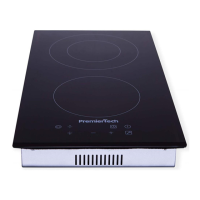
For Model PT-PC2I
The base diameter of induction cookware
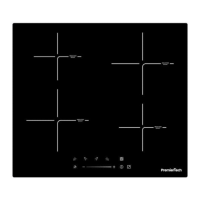
For Model PT-PC4I
The base diameter of induction cookware
Using your Induction Hob
To start cooking
1. Touch the ON/OFF control.
After power on, the buzzer beeps once, all displays
show “ – “ or “ – – “, indicating that the induction
hob has entered the state of standby mode.
2. Place a suitable pan on the cooking zone that
you wish to use.


 To Next Page