Table of Contents
Introduction ......................................................................3
Important Safety Notes ....................................................4
Know Your Unit ................................................................5
Battery Installation / Replacement ................................6-7
Initialization .................................................................8-11
Proper Way of Measurement ....................................12-15
Take a Measurement ................................................16-17
Use the Memory Function .........................................18-19
About Blood Pressure ...............................................20-21
Exceptional Situations ...............................................22-23
Care and Maintenance ..............................................24-25
Specifications ............................................................26-27
Statement ......................................................................28
Warranty Information .....................................................29
PUL
/min
DIA
SYS
DEAR CUSTOMER
In order to achieve the best performance of your product,
please read this instruction manual carefully before using,
and keep it for future reference.
If you need extra support, please write to
info@premiermundo.com
PREMIER CUSTOMER SERVICE
Venezuela: 0800 – ELECTRIC (353-2874)
Colombia: 01-900-331-PEJC (7352)
Panama: 300-5185
Website www.premiermundo.com
E-mail: servicioalcliente@premiermundo.com
NOTE:
improving and developing its technology.
P-2
P-1
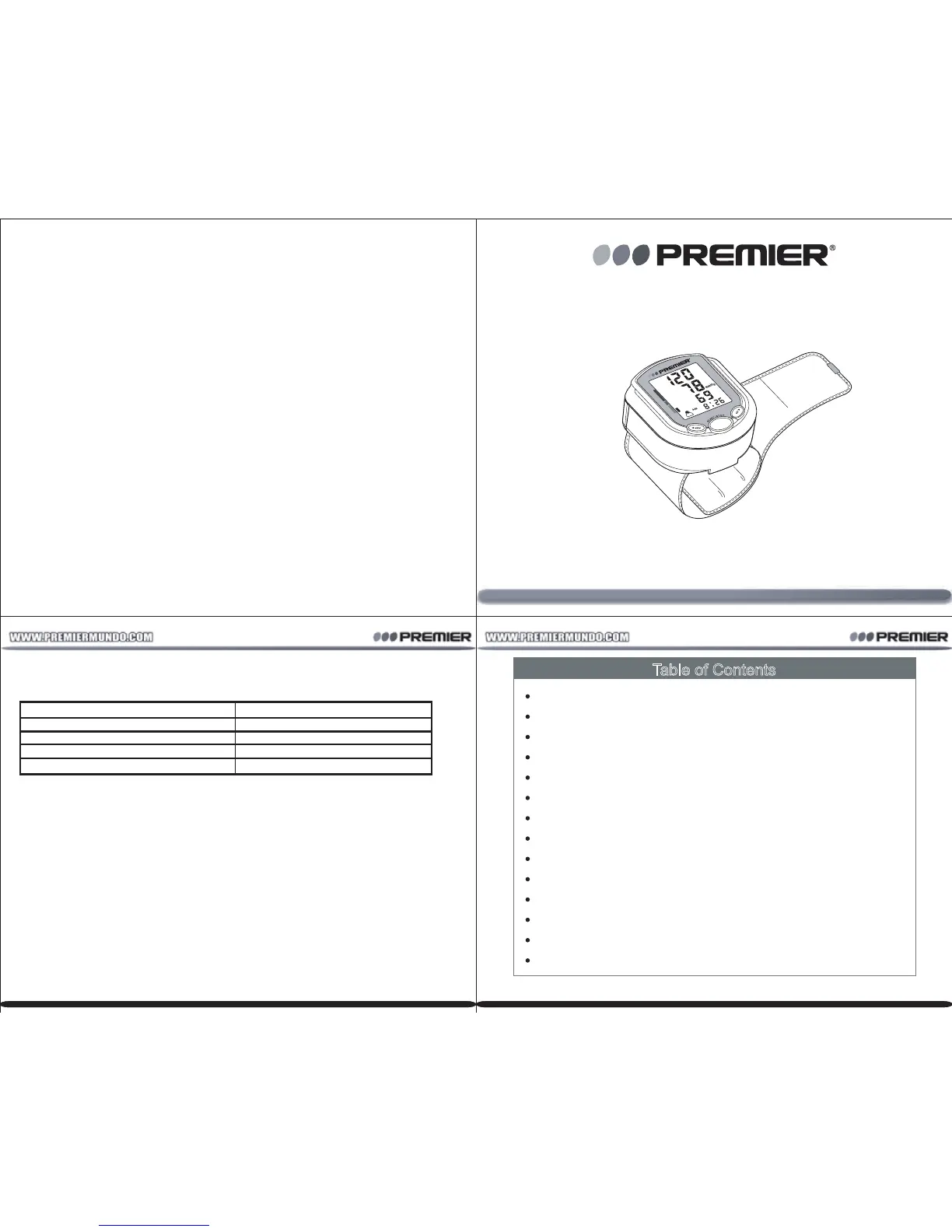
INSTRUCTION MANUAL
Blood Pressure Monitor
BP-3948
This unit may be submied to changes in specificaons, characteriscs and/or
operaon without prior noce to theuser, in order to connue
此页不印刷



 To Next Page