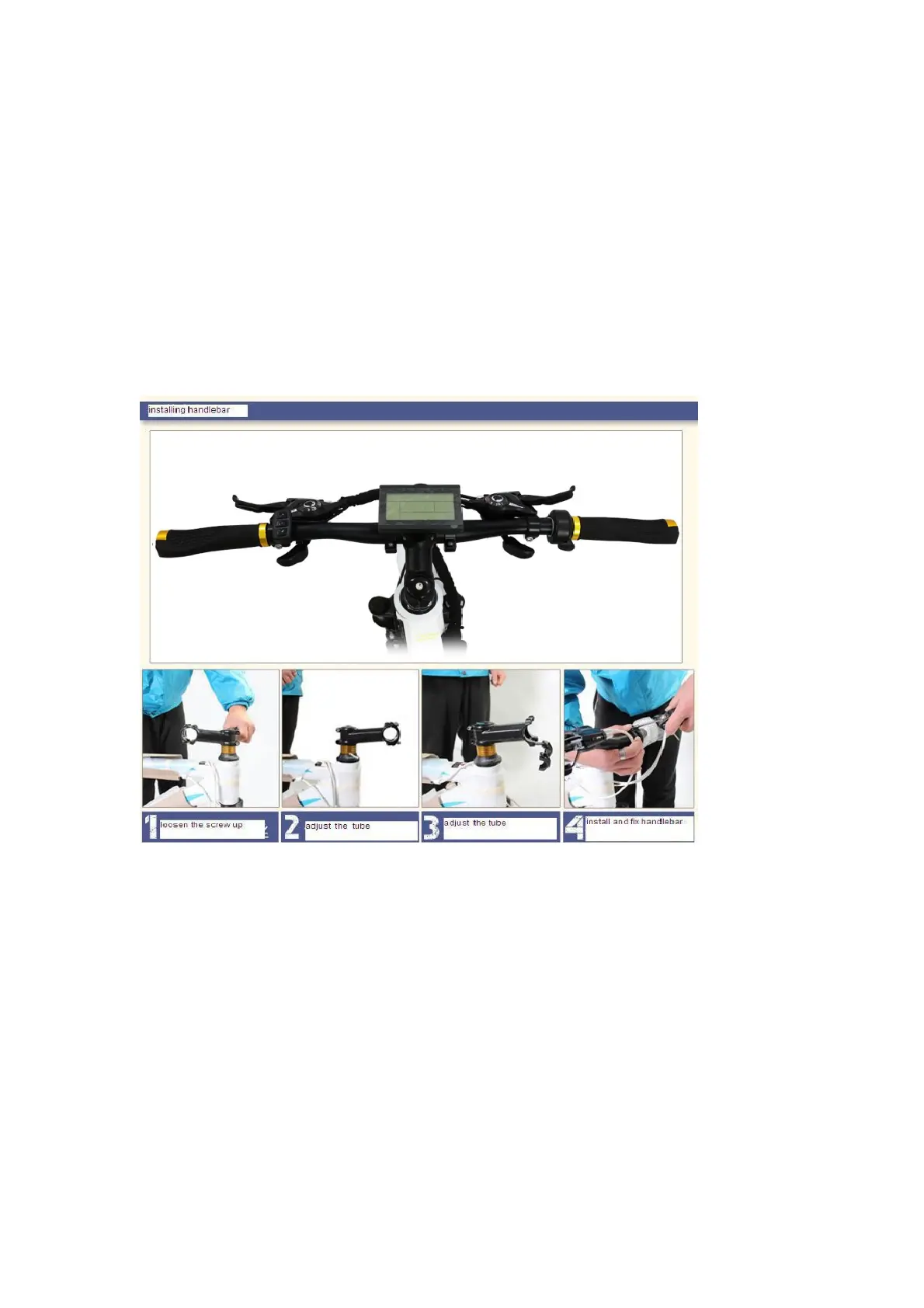
2.) Attach handlebars
Important: Do not attach the LCD screen yet as you will need to flip the bike over in
the next step.
1. Take out the handlebar and remove the protective paper covering the stem.
2. Use the wrench to loosen the screw by turning counter clockwise.
3. Insert the handlebar inside the stem, and adjust the centred position.
4. Cover the handlebar clip and tighten the screws.



 To Next Page