11
3 Tutorials
3.2 Level Calibration
Eris
®
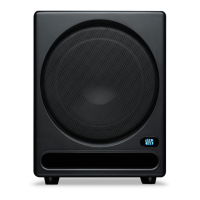
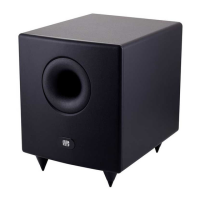
Sub 8BT
Owner’s Manual
Below is a brief tutorial on how to level match your monitors:
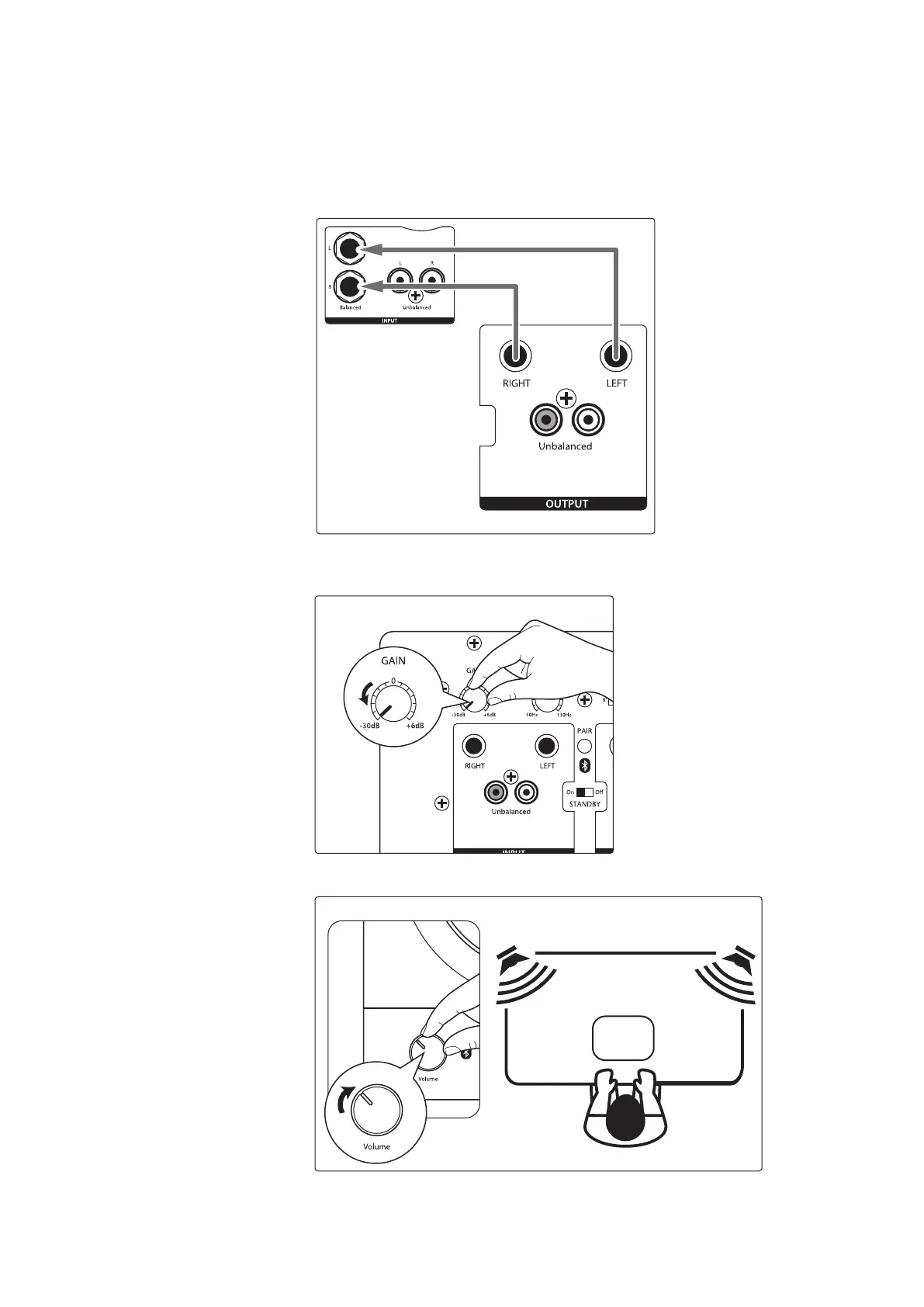
1. Connect your monitors and Eris Sub 8BT as shown
either of the hookup diagrams in Section 2.2.
Power User Tip: If your system has an EQ in it, turn it o or set it to at. You can EQ
your complete system to taste once the levels are evenly matched.
Eris 4.5BT Active Speaker
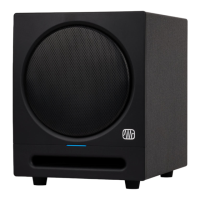
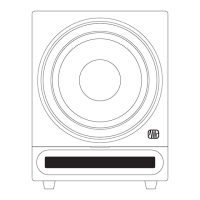
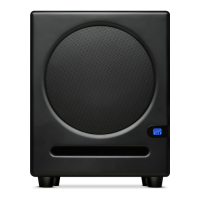
Eris Sub 8BT
2. Turn your Eris Sub 8BT and your full-range monitors’
input levels to their lowest setting.
3. Play pink noise through your speakers. You should not hear anything yet.
SPL:
82 dB
Eris 4.5BT Active Speaker


 To Next Page