4
2 Hookup
2.1 Rear-Panel Connections and Controls
Eris
®
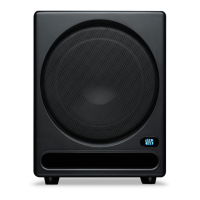
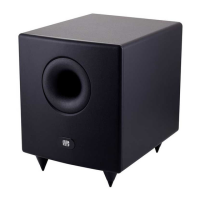
Sub 8BT
Owner’s Manual
2 Hookup
2.1 Rear-Panel Connections and Controls
2.1.1 Inputs
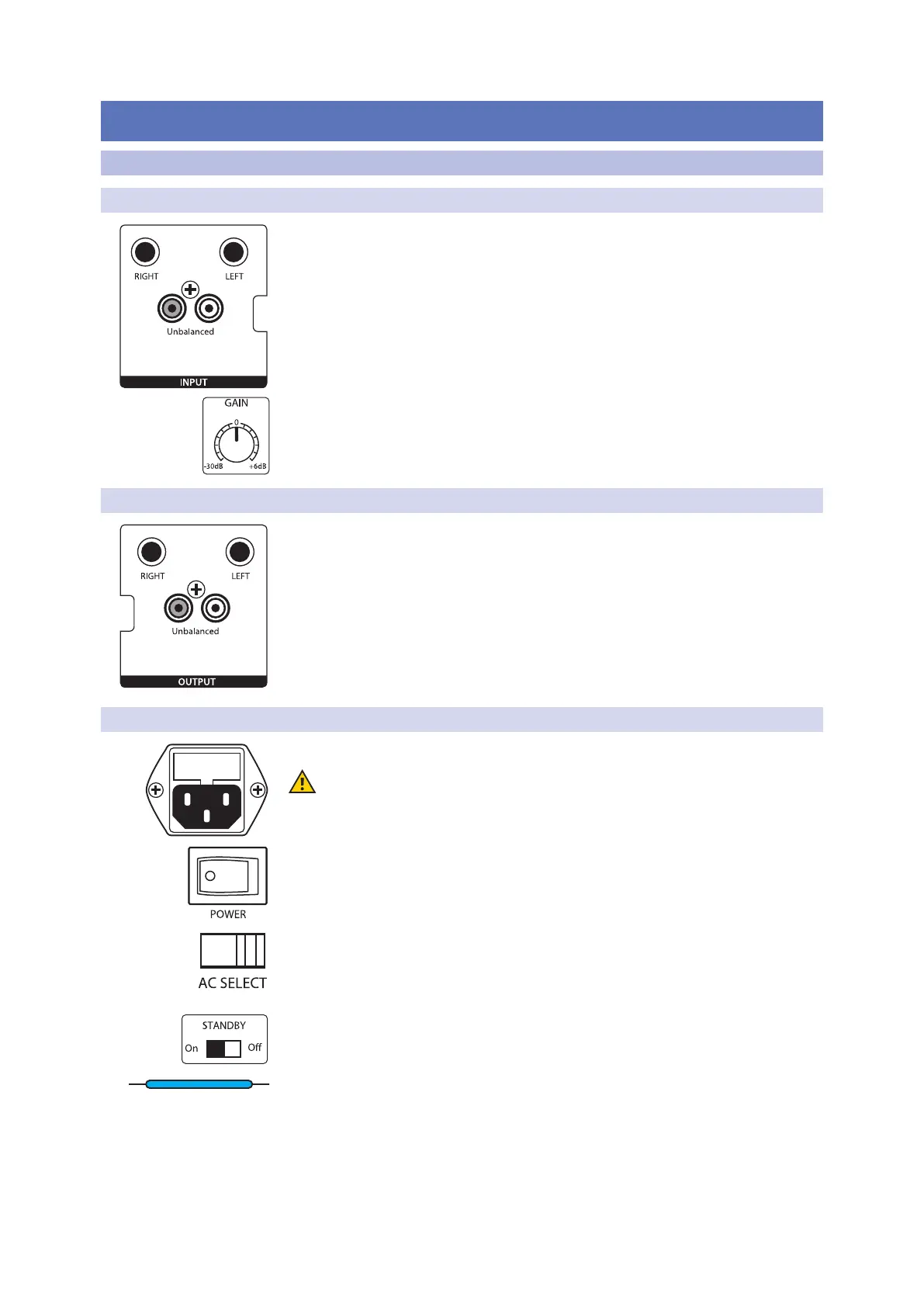
Line-level Inputs. The Eris Sub 8BT provides a choice of two input pairs: a pair
of balanced ¼” TRS inputs and one pair of RCA unbalanced inputs. When both
connections are in use, the RCA inputs will sum into the TRS connections.
Power User Tip: Connect both the left and right inputs if you are connecting your
full-range monitors to the Eris Sub 8BT’s outputs, or if you’re running your Eris Sub 8BT
independently from a stereo source (such as the PreSonus Monitor Station). This will
ensure that your Eris Sub 8BT receives the low-frequency content from both the left and
right sides of a stereo audio signal. If your audio source provides a mono or LFE output,
you only need to connect one input—either L or R.
Input Gain. Sets the level of the input signal before it is amplied.
2.1.2 Outputs
Outputs. The Eris Sub 8BT provides two pairs of outputs: a pair of balanced
¼” TRS outputs and a pair of RCA unbalanced outputs. The full-range signal
connected to the stereo inputs on the Sub 8BT is passed through to these
outputs. Use these outputs to connect your main left and right studio monitors.
If the High Pass Filter switch is engaged, frequencies below 80 Hz are not sent from
these outputs.
2.1.3 Power
IEC Power Connection. Your Eris Sub 8BT accepts a standard IEC power cord.
Warning: Do not remove the center grounding prong or use a separate
ground-lift adapter, as this could result in electric shock.
Power Switch. This is the On/O switch. The power status is indicated by the
illuminated logo on the front of the cabinet.
AC Select Switch. The input-power voltage is set at the factory to correspond
with the country to which it was shipped. Use this switch only if you are
using your Eris Sub 8BT in a country that uses a dierent standard voltage
than is used in the country where you purchased your Sub 8BT.
Standby. When standby is engaged, your Eris subwoofer will go into
power save mode when there is no audio playing for more than 40
minutes. Once audio resumes, the power save mode turns o.
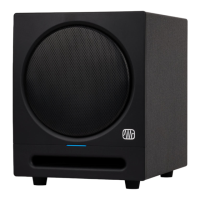
Power / Bluetooth Status LED. The LED in the center of the lower front panel
indicates power status. This LED also displays the Bluetooth status as follows:
• Solid White: Eris Sub 8BT is powered on and in standby mode.
• Solid Blue: Eris Sub 8BT is powered on and not in standby mode.
• Flashing Blue and Green: Eris Sub 8BT is in pairing mode.
• Solid Green: Eris Sub 8BT is paired to a bluetooth device.


 To Next Page