EN-2
EN
QuickStartGuide
PrestigioMultiPad
PMP5785C_QUAD
Buttons
Button Definition Function
Power • Pressandholdtopoweronoroffyourtablet.
• Presstolockorunlockthescreendisplay.
Volume • Presstoadjustthevolume.
Back • Taptoreturntothepreviousscreen.
• Taptohidetheonscreenkeyboardwhenitisopened.
Home • Taptoreturntohomescreen.
• TapandholdtostartGooglesearching.
Recentapp • Taptoopenthelistofrecentapps.
Listmenu • Taptoopenthelistmenu.
Getting started
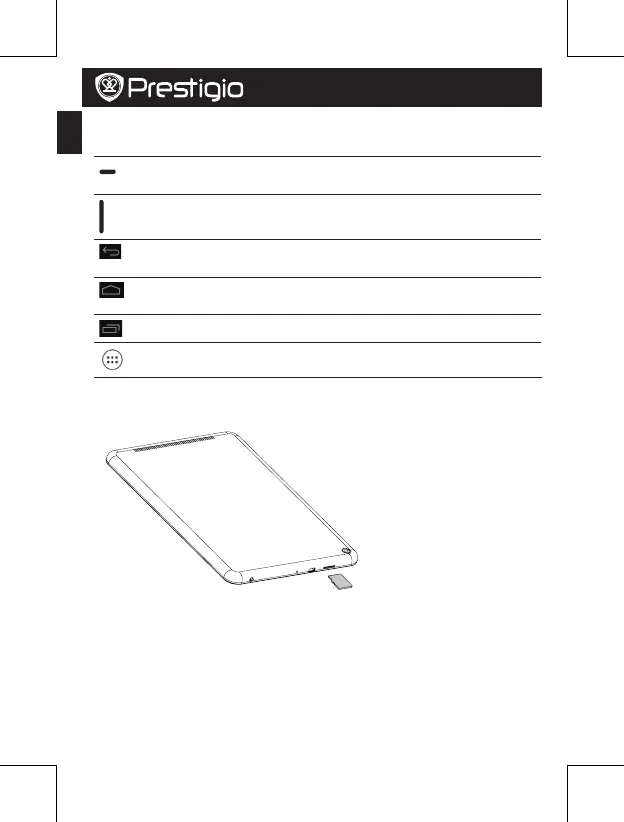
1.Insertamemorycard.
2.Pressandholdthepowerkeytopoweronyourtablet.















 To Next Page