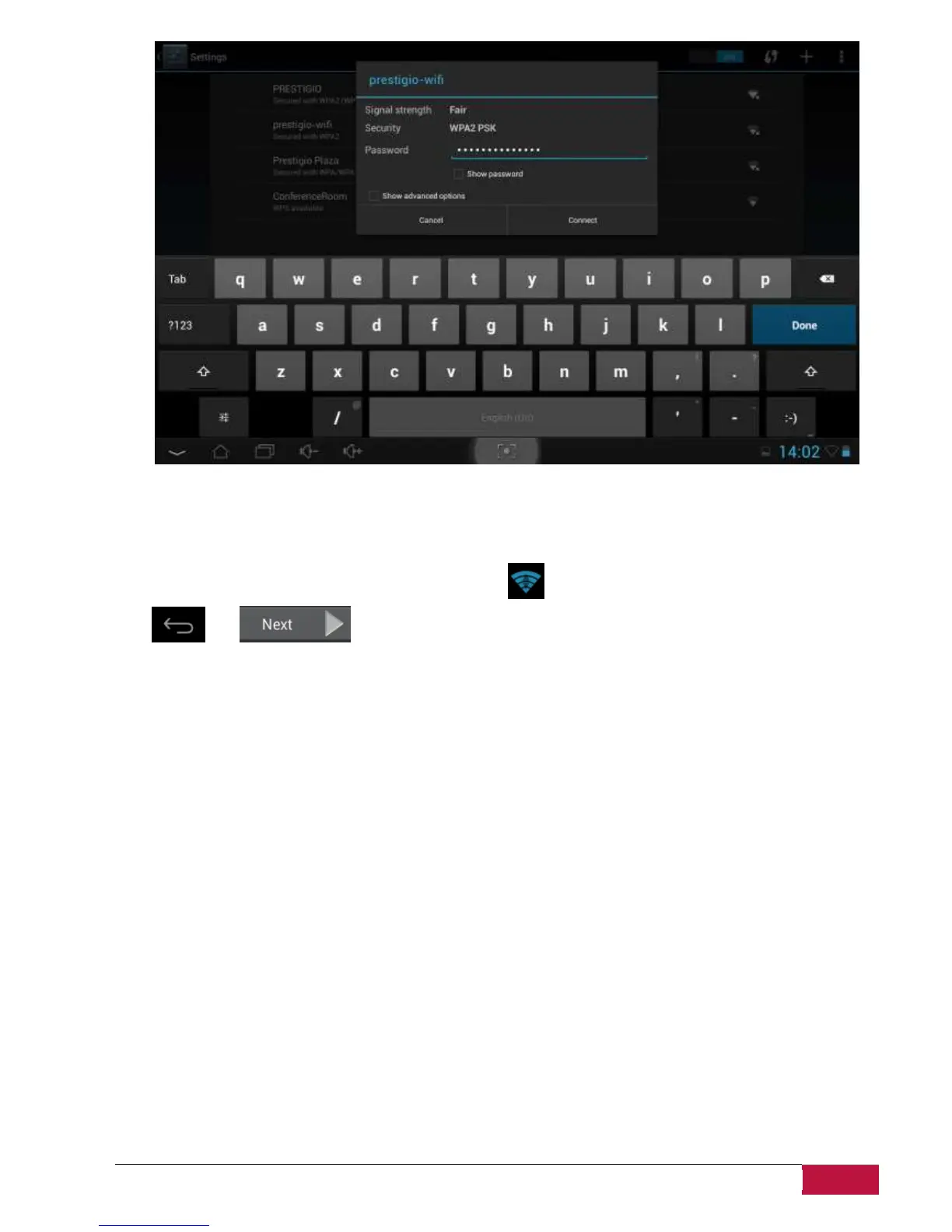
You may check the Show Password option in order to make it visible, but please consider the possible
security risks.
After successful connection, the Wi-Fi connected icon will appear on the status bar.
Tap and to continue.
Third party applications screen allows the customer to install the pack of programs which enhance
Multipads functionality. Depending on the exact version of Firmware, the following options are available.
A default Android Third party applications tool. In case of this option (see screenshot below) a user can
either decide to install the pre-loaded content by tapping Install button, or skip the third party
application stage. In case of Don’t Install choice the wizard will automatically continue to final screen.
Otherwise the installation sequence will be initiated.















 To Next Page