USER MANUAL | MultiPad 8.0 HD (PMP5588C_DUO)
3.1 Status and notifications
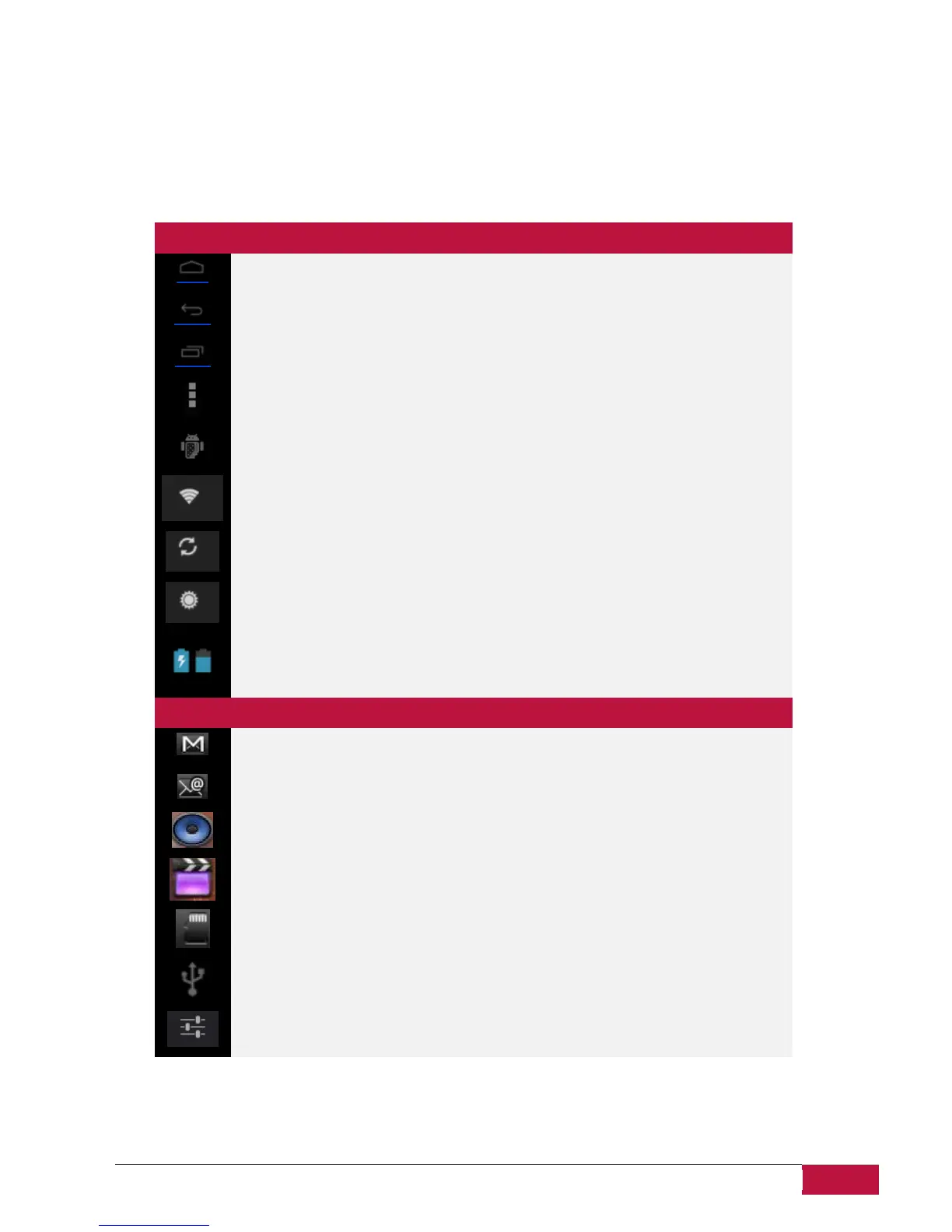
Status and Notification Icons may appear.
The status bar contains different information like time and date, battery status, wireless networks status,
active notifications from Android OS or installed applications and so on. When an application is running,
corresponding notification icon will appear in the notification area. Icons you may often see are listed as
follows:
Status icons and its meanings
Tap to go to the Home screen
Recently applications view
Android debug bridge enabled
Connected to a Wi-Fi network and display the signal strength
Accounts & synchronization
Notification icons its meanings
New Gmail (Google Mail) message















 To Next Page