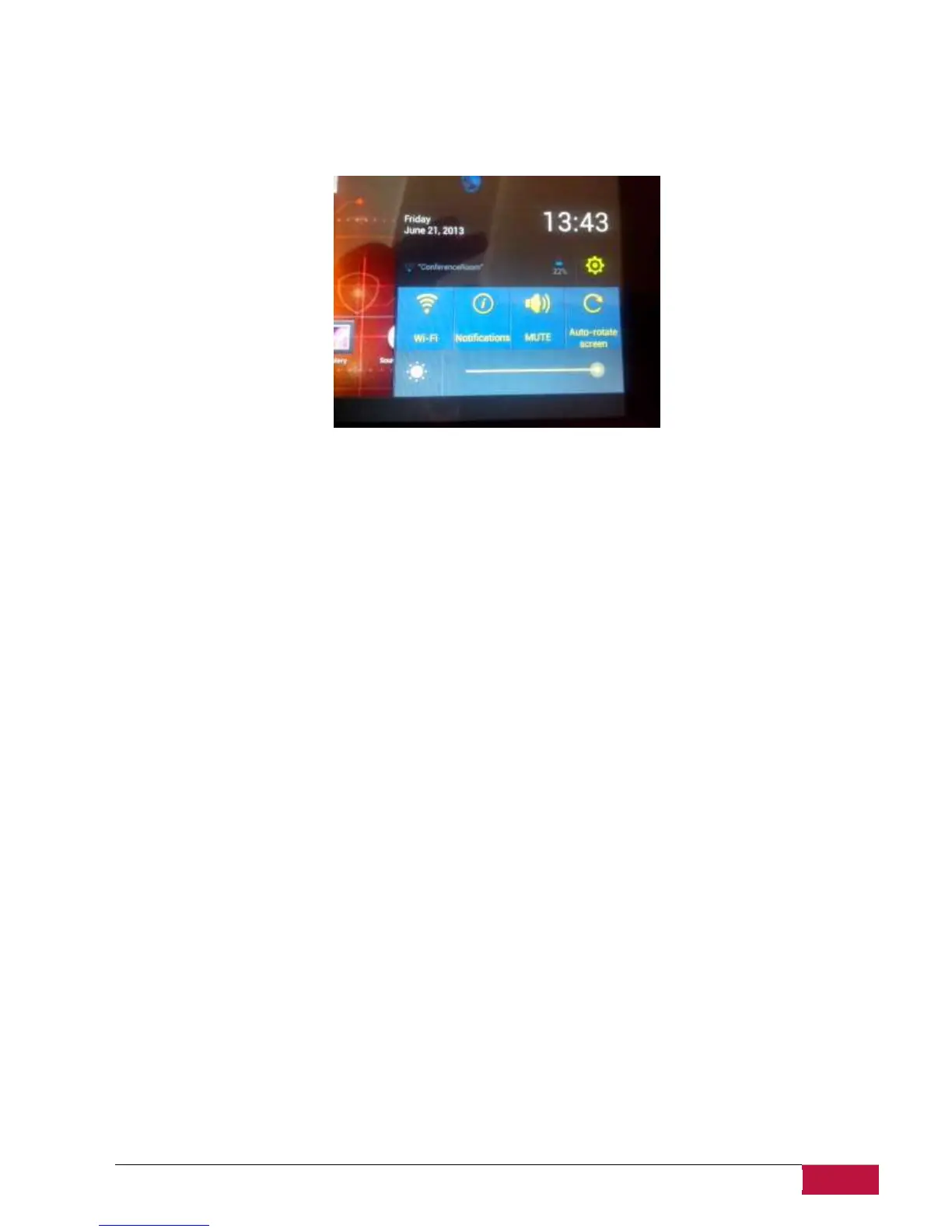
Open notification panel
If a new notification icon displays in the status bar, touch and hold the status bar, then slide your finger
upwards to open the Notifications panel as follows:
If you have several notifications, you can scroll down the screen to view more notifications.
In the notification panel there are shortcuts for quick access to Settings and Wi-Fi tabs.
Close the Notifications panel
Simply touch the Back button on the device panel.















 To Next Page