To set the current picture/photo as wallpaper;
To see more details about the current picture/photo.
7.4 File Manager
Introduction to File Manager
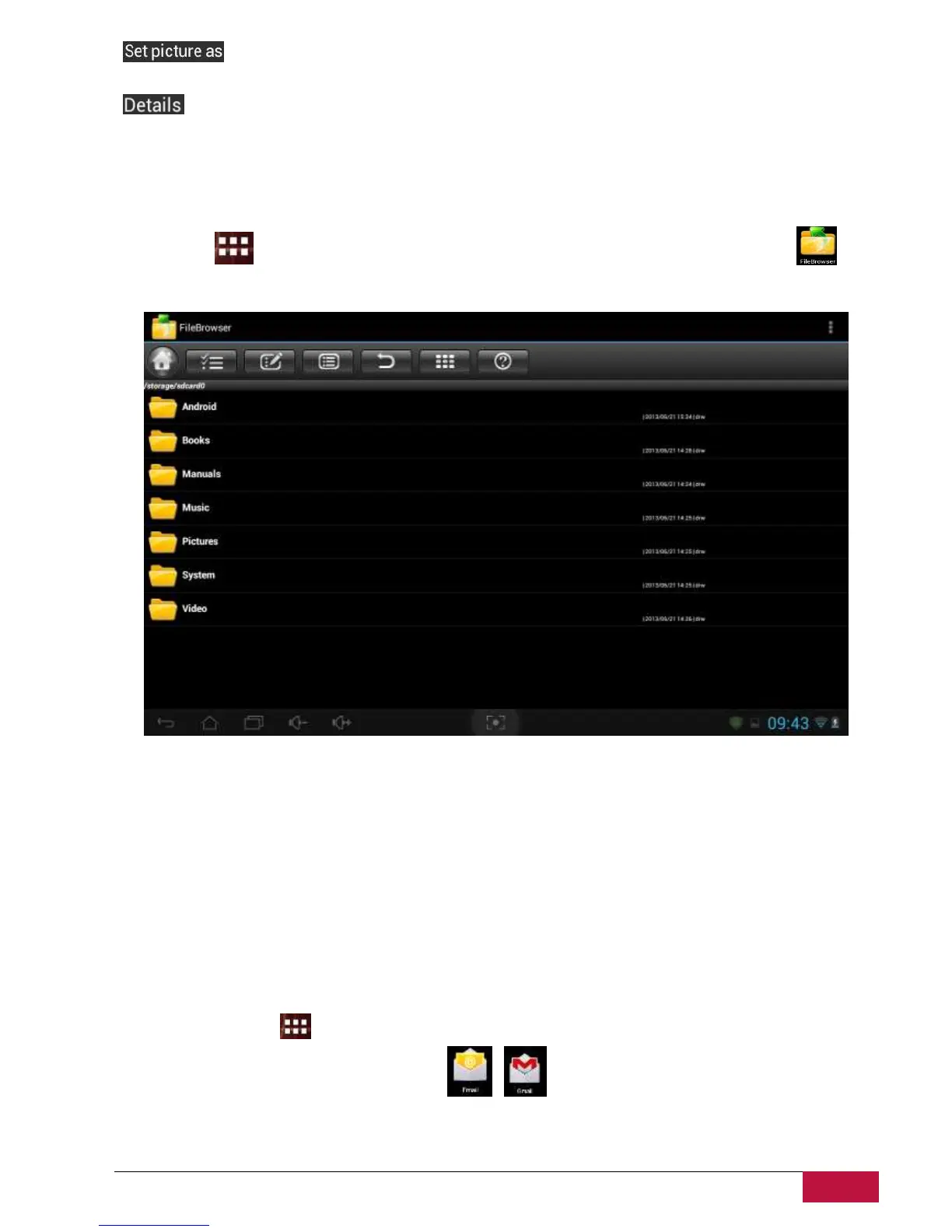
Tap the icon to view all applications on your device. Tap the File Browser (Explorer) icon to
open it as follows:
File Management
In the above screen, you can navigate your storage and manage your files in the local disk and your
storage card: copy/paste, delete, move and rename file and folder and send them via mail or Skype.
7.5 Instant Messaging tools
You can download from Google Play and install chat tools on your device such as Skype, Fring, and ICQ
etc.
7.6 Emails
Tap the launcher icon on the Home screen to display all icons, tap the Email/Gmail icon to run it.
With help of Prestigio MultiPad you can:
1. Setup mail accounts
2. Create new mails















 To Next Page