2.5 Power on/off
1. Power on: To turn on the device, press and hold the Power Button until you see the start-up screen
then release. It will automatically enter the Home screen.
2. Power off: Press and hold the Power Button, and then tap on OK to power off the device. Press and
hold the Power Button for about 6s, it will power off directly.
3. Screen Lock:short-press down the Power Button once to shut down the screen to save battery life.
Short-press down the Power Button again to activate the lock screen. After unlocking, the device will
resume the screen before locking.
2.6 Startup Wizard
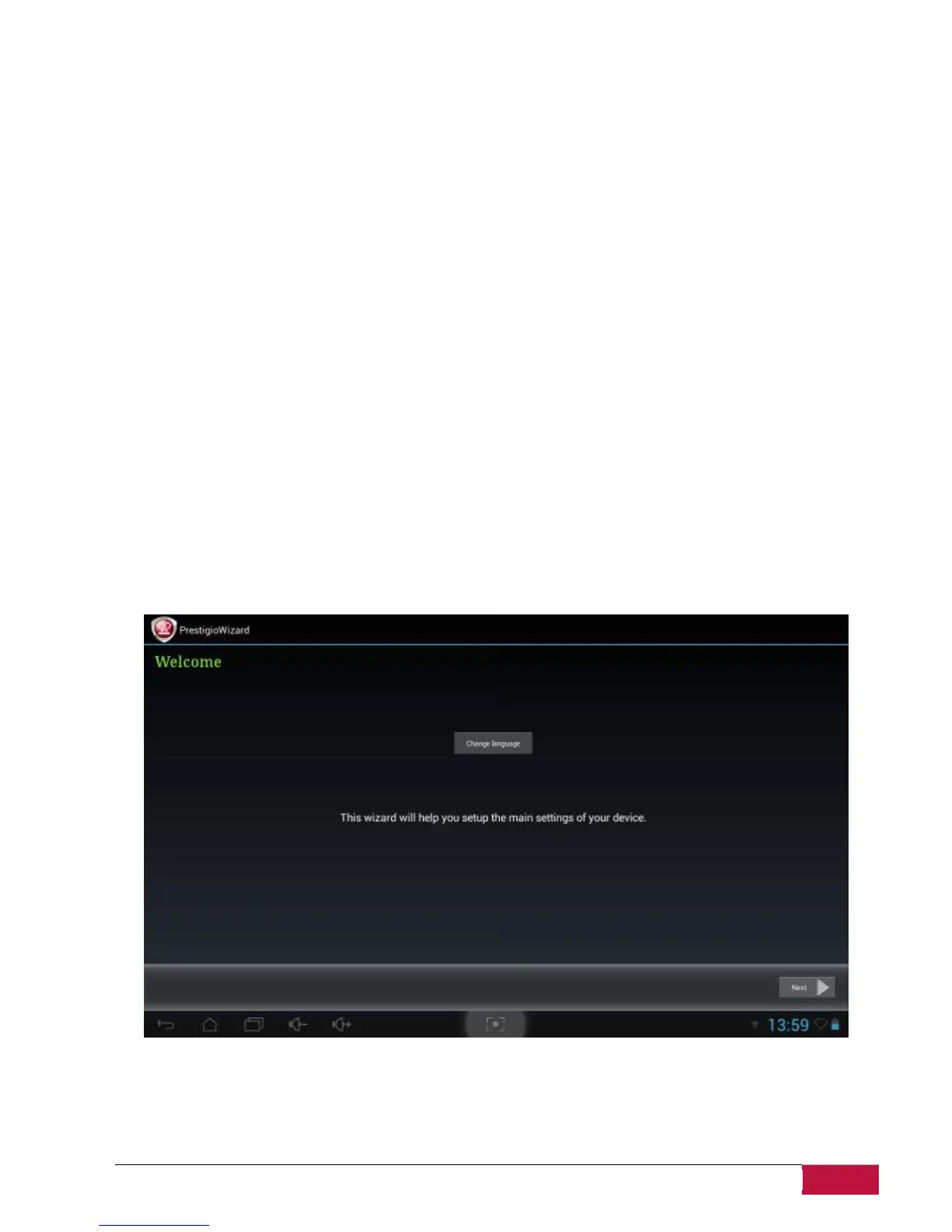
Prestigio Startup Wizard will guide you through the initial setup of your MultiPad. It appears at first
start and consists of several steps. Following information will help you to avoid issues during that stage.
Welcome! Screen allows you to choose the desired language of the operational system of Prestigio
MultiPad. Tap “Change language” button to access a list of available languages. You can select the
language you need in this list, than you’ll return back to the Welcome screen. Tap next, read and accept
End User License agreement to continue.
Please, note that in case you refuse to accept EULA (Dismiss button) you won’t be able to proceed with
device activation.















 To Next Page