3. Receive and send mails
4. Download or open the attached files
7.7 Camera
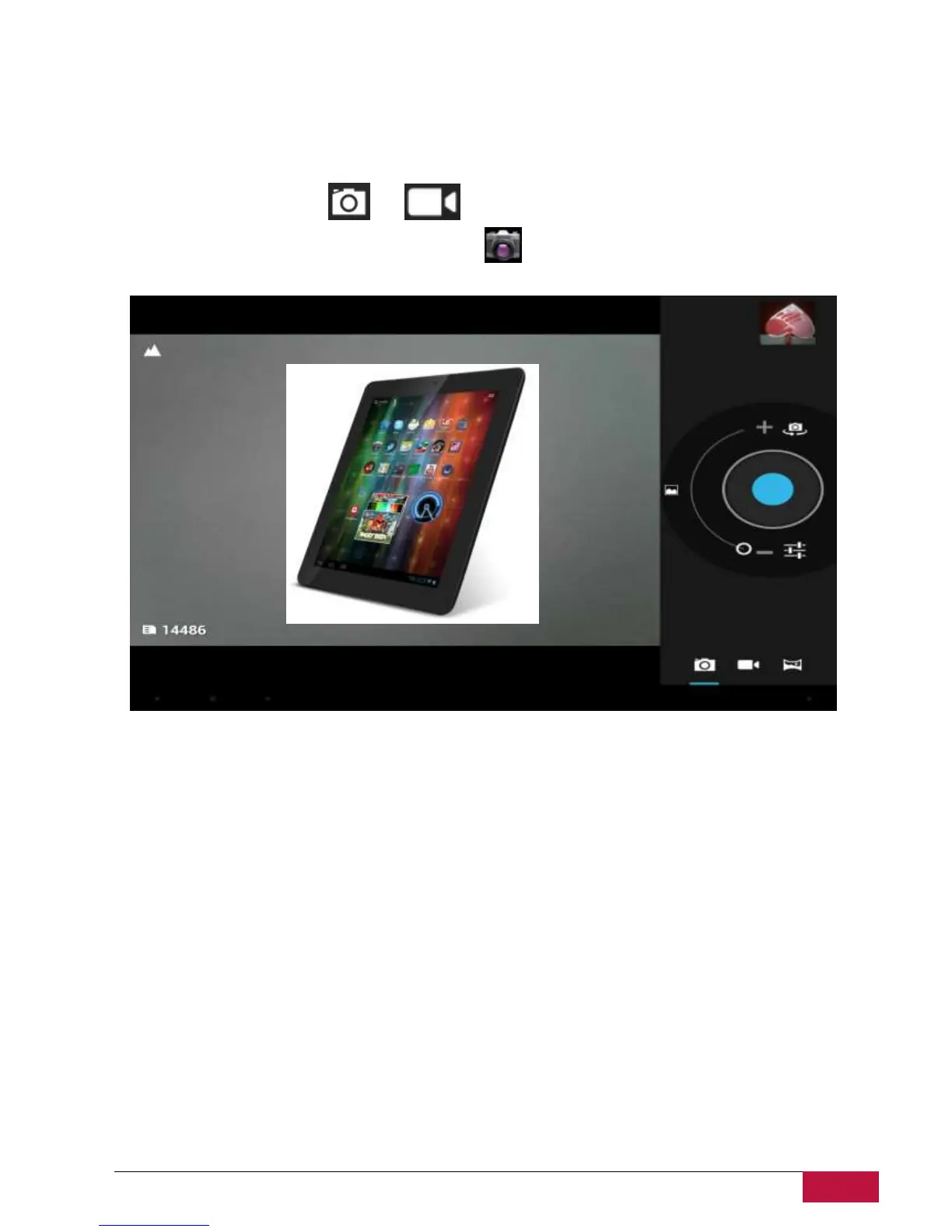
The Camera app is a combination of a camera and camcorder. You may toggle between these two modes
by touching respective icons and .
To take pictures and videos touch the Camera icon on a Home or All Apps screen.
Watch a video
On the home screen or list menu, tap in the Gallery app's Album, go to the video that you want to watch.
Tap on-screen controls to control the video playback. Press the volume button to adjust the volume.
Edit your photos
When viewing a photo, tap and use the following functions:
Slideshow: Start a slideshow with the images in the current folder.
Edit: Launch Paper Artist to edit the photo.
Rotate left: Rotate anticlockwise.
Rotate right: Rotate clockwise.
Crop: Resize the orange frame to crop and save the photo in it.
Set picture as: Set the photo as a wallpaper or a contact image.
Details: Check information of the photo.















 To Next Page