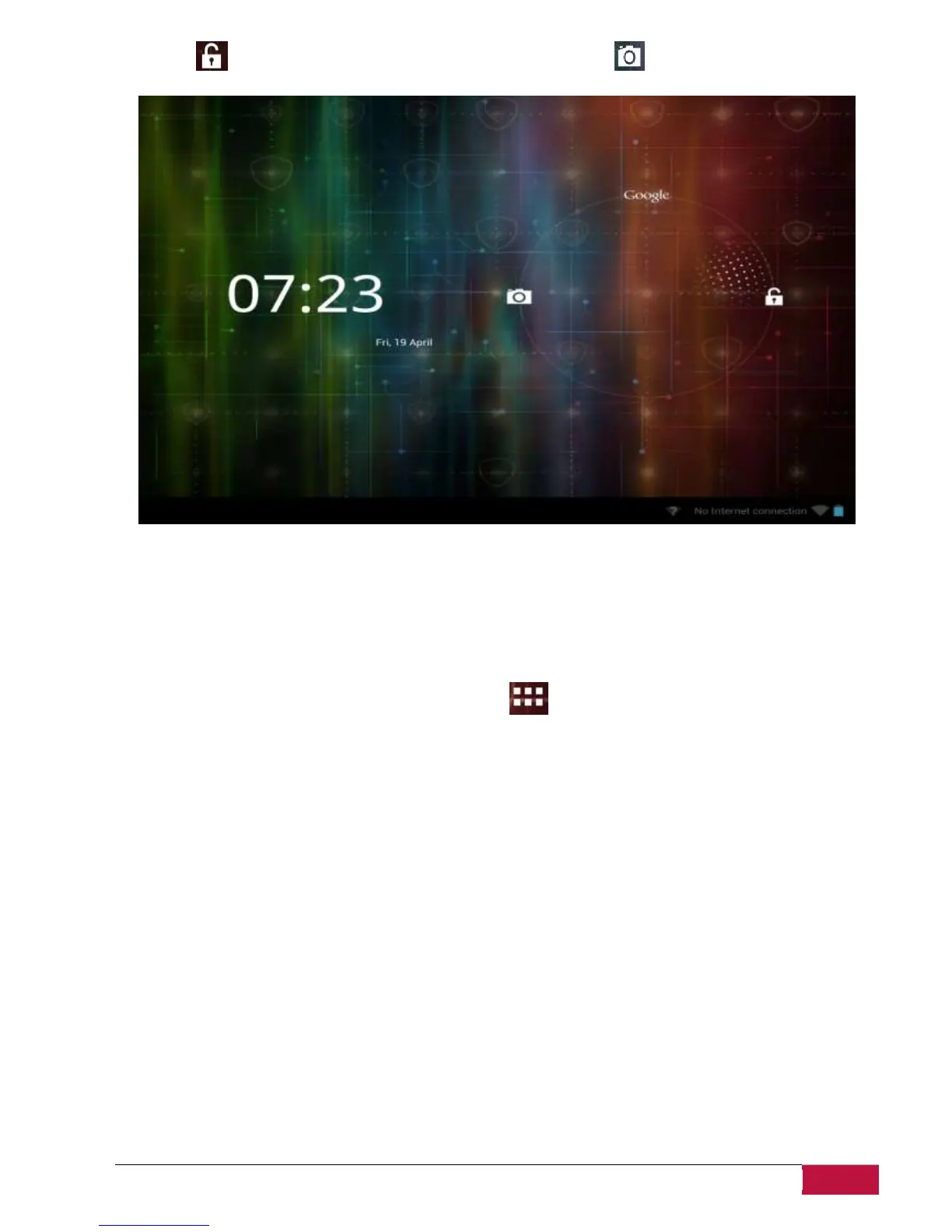
MultiPad and enter Home screen, start the Camera application .
Other unlock ways, like PIN code, Face Unlock, Pattern etc. could be set up by user in menu Settings-
Personal-Security-Screen Security – Screen Lock.
Browse Home Screen
You can go to the extended Home screen by sliding your finger horizontally across the screen to go to
the left or right side of the Home screen. Tap the icon to view all applications on your device.















 To Next Page