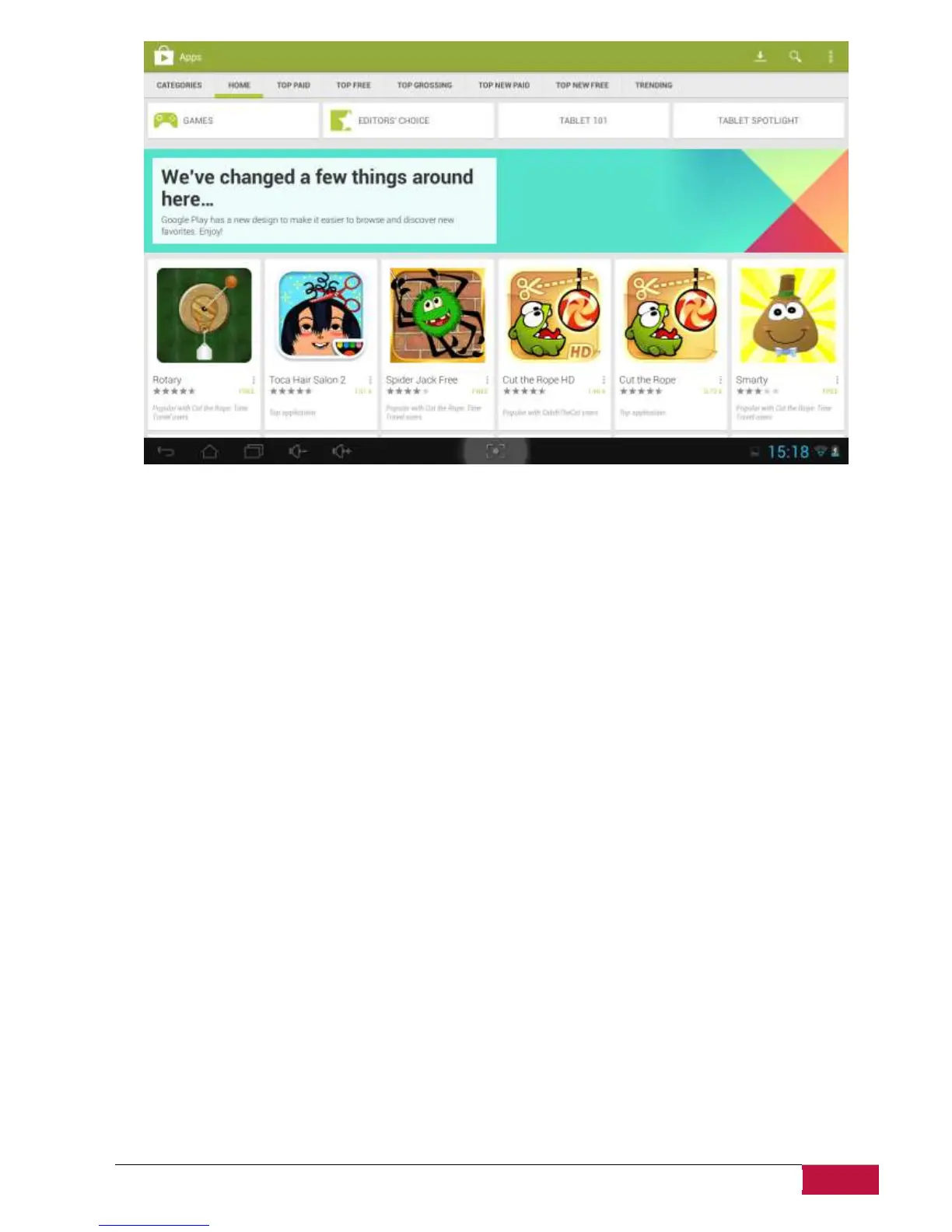
How to uninstall Android programs
To uninstall the program:
1. Go to Settings>Apps>Downloaded menu.
2. Tap on program you want to uninstall.
3. Tap Uninstall and OK in popup menu.
[Note]: You can also use an alternative way of uninstallation: enter the list of applications, tap the
application you’d like to uninstall, hold it and drag to the “Uninstall” icon on top of the display.















 To Next Page