USER MANUAL | MultiPad 8.0 HD | PMP5588C_DUO
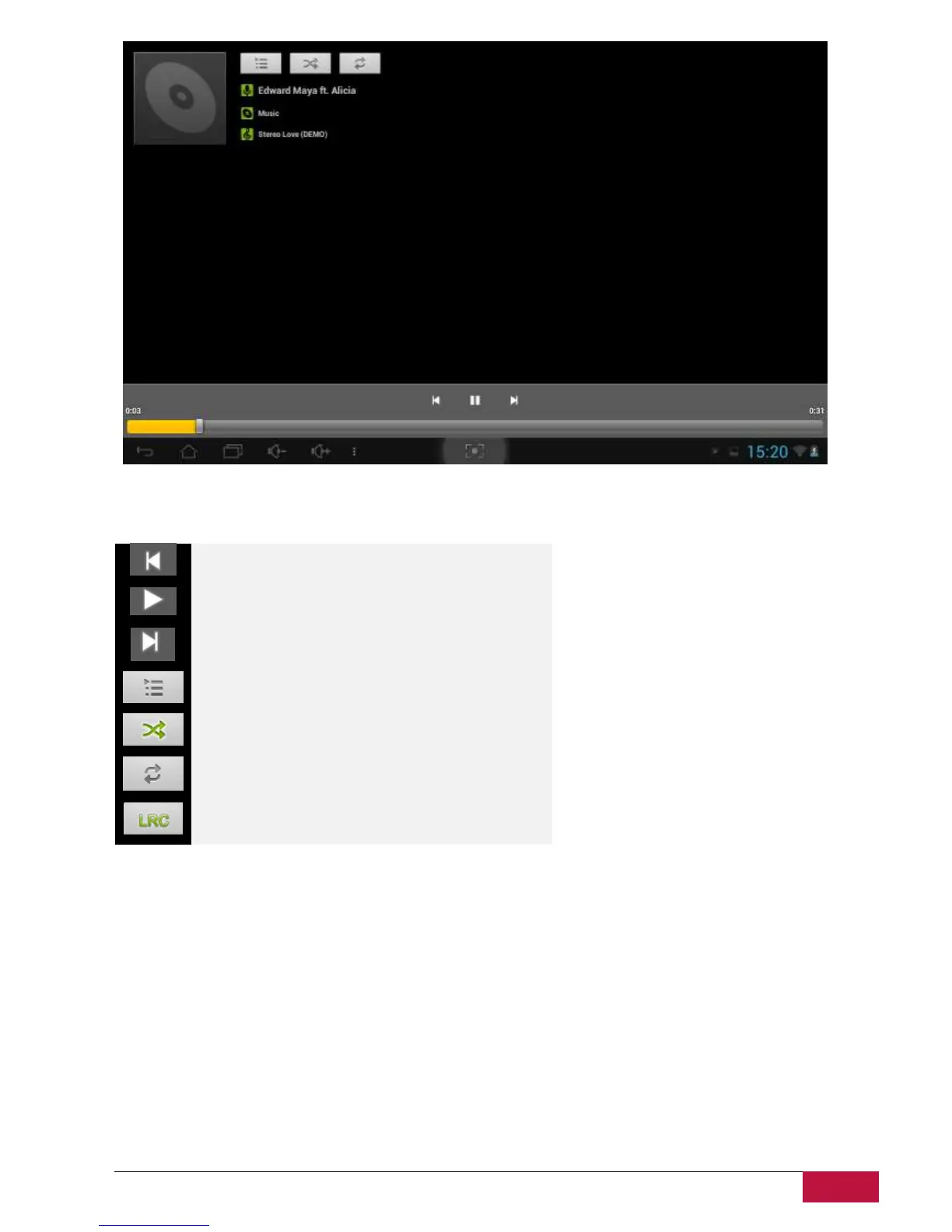
Your music is organized into different categories such as Artists, Songs and Albums. Tap one of the
category tabs to view a category. Select a song in the playlist and tap on it to start playing as follows:
Tap to go to the previous song.
Tap to play, pause, or resume playing the song
Tap to go to the next song
Tap to switch the following repeat modes: repeat all
songs, repeat current song, do not repeat
Tap to shuffle the current playlist
.Tap to repeat current song
Tap to have a look the name of artists and songs
When you are playing music and the screen turns off, you can control the music playback volume with
hardware buttons Vol+\Vol-.















 To Next Page