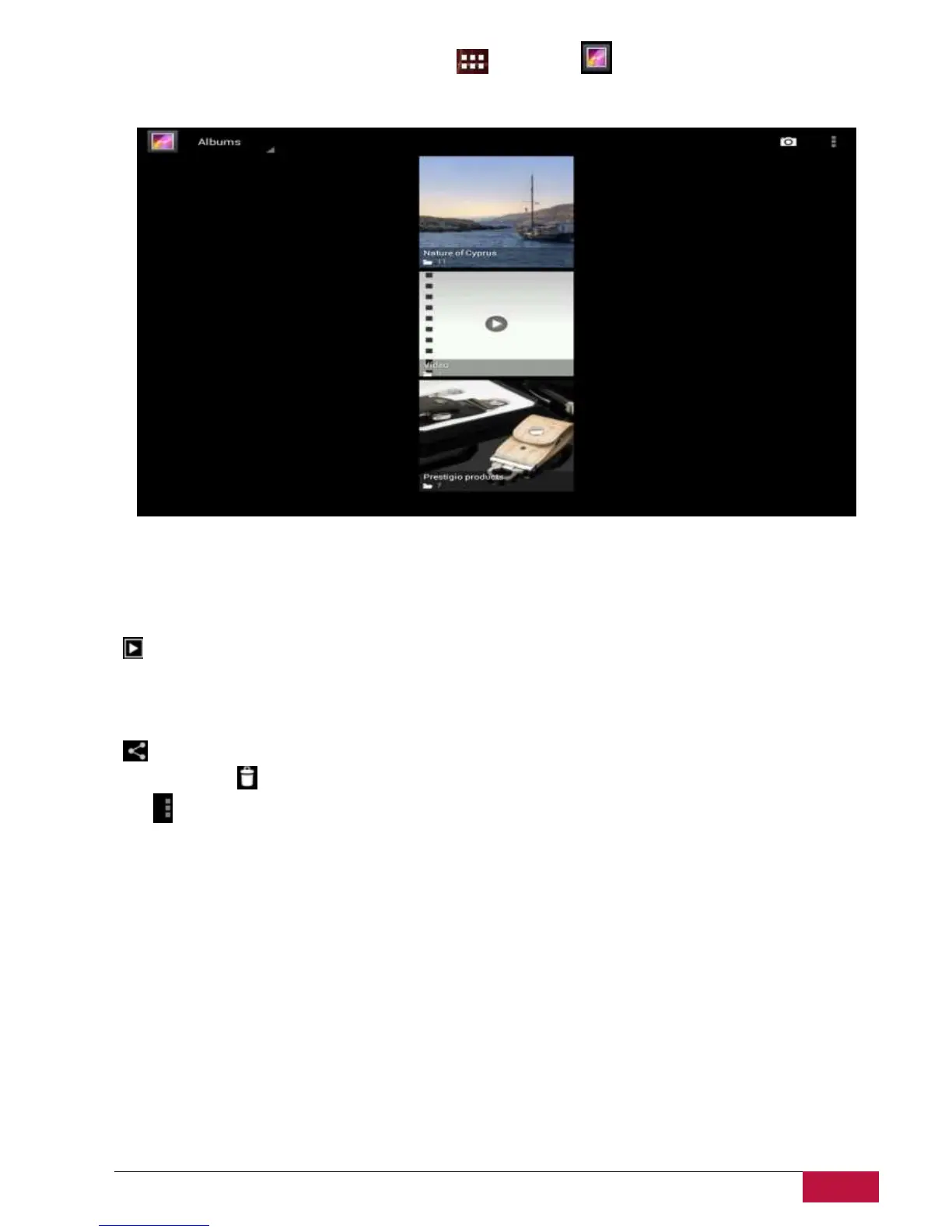
On the Home screen tap the launcher icon and Gallery icon after. Photos and videos are
classified automatically for easy view. The gallery application will run and the interface is as follows:
Browse & edit pictures/photos
Tap an album to open it and view its contents;
This icon could be found on upper right corner of the screen; it allows you to browse all
photos/pictures in slideshow mode.
Select a picture to view it in full screen mode; drag left or right to view the next or previous picture in
the album; move your fingers inward/outward to zoom out/zoom in the selected photo/picture.
- This button allows you to share it with friends via email, Twitter, Facebook etc.
Use delete icon to delete the selected files.
Tap to pop-up the following control menu:















 To Next Page