5. Work with the Collections.
“My books” contains all the books from the selected directory. It’s a default collection that can’t be
removed or renamed.
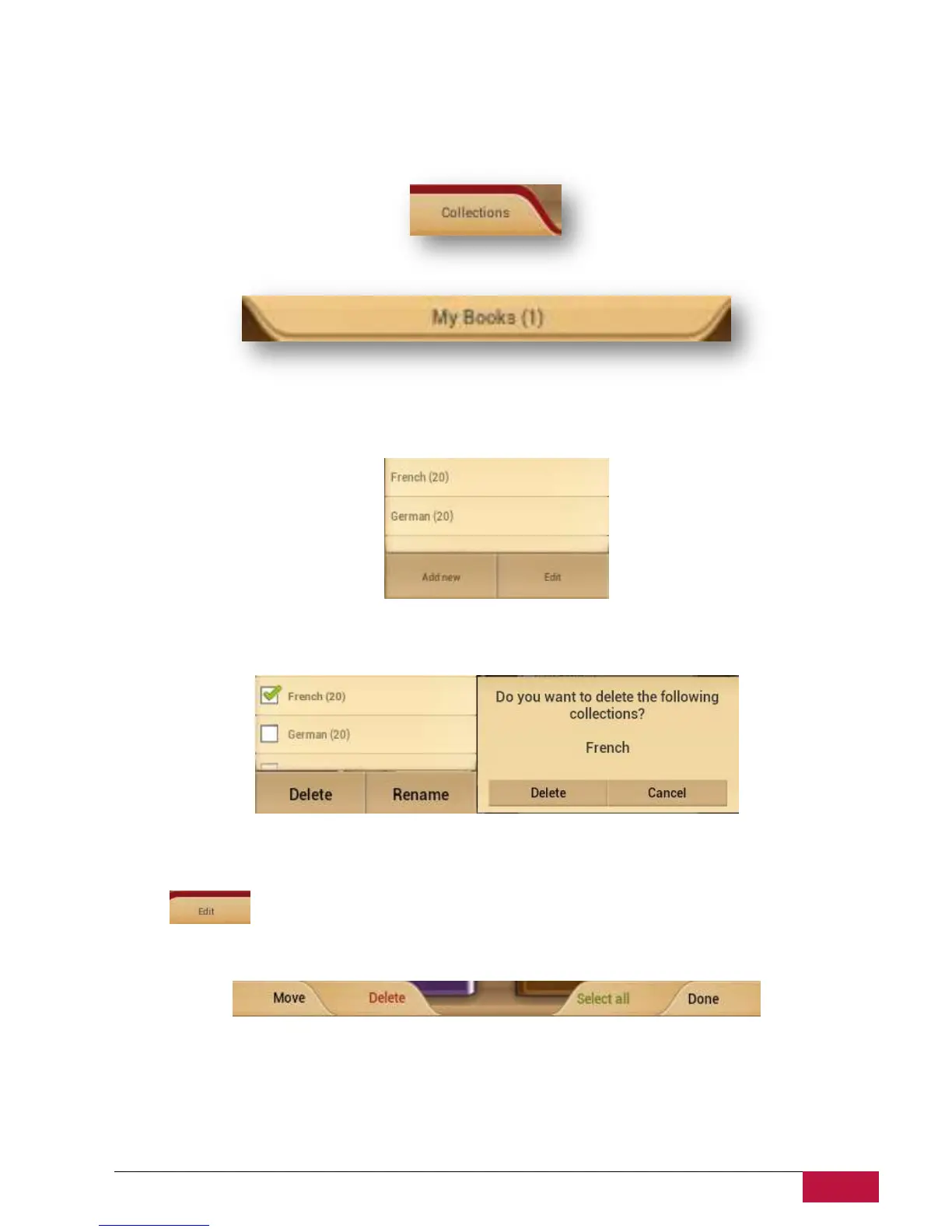
Press on “My books” or “Collections” to start navigation in the list of preset or preloaded collections.
List of the collections can be edited through Edit or Add new button.
Edit. Option allows you renaming collections or deleting any selected with a marker collection. Delete
the collection doesn’t mean that books will be erased physically from the device.
Any book or a group of the books can be moved from one collection to another or deleted from the
device and collection.
Select on the main shelf to start working with books.
A new control bar will be available.
Move - Allows to move a book from a collection to another chosen collection.
Delete - Remove all selected books from the application and device.
Select all - Option will mark all books not only on the opened shelf but on all other shelves of a
collection. Be very careful as it also allows to delete all books from the collection.
Done -Tap when all operations with the books on the shelves are finished.















 To Next Page