7. Work with Bookstore.
Bookstore in the device is available in the form of OPDS catalog: simple form of the books list that
mirrors www.ebooks.prestigioplaza.com web-shop.
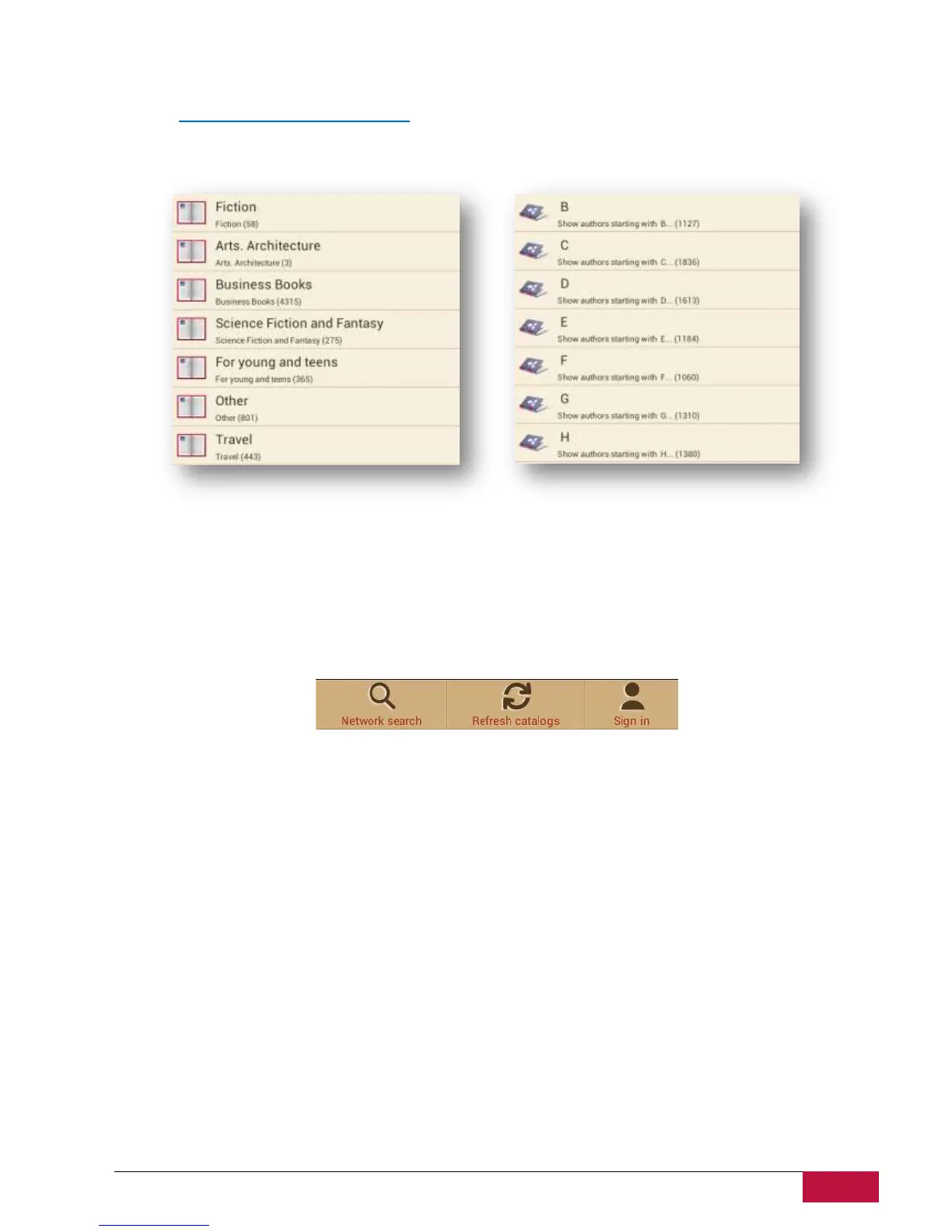
Catalog can be navigated like a tree with 2 main categories: Themes & genres and Authors.
Continue navigation until you find a book or a genre that might be interesting for you.
To search for a specific author or a book use the option Network Search.
Refresh catalogs can be used in a case when first connection to Bookstore was made without Internet
connection.
Found book will be displayed with a detailed info and price if applicable. Free books will have Download
button instead of Buy…















 To Next Page