www.prestigio.com
Finger tips
Charge the battery
Connect to your PC
Rotate the screen
Lock and unlock the screen
Use the notications panel
Enter text
System update
Status icons
2. Select your desired time span.
Set screen lock pattern
Protect your personal information and prevent
others from using your phone without your
permission by setting a screen lock pattern, PIN, or
password.
• On the list menu, tap Settings >Security >
Screen lock.
When your phone is locked, Your phone
can still:
• Receive calls, text messages, and
other updates.
• Play music.
• Adjust the volume.
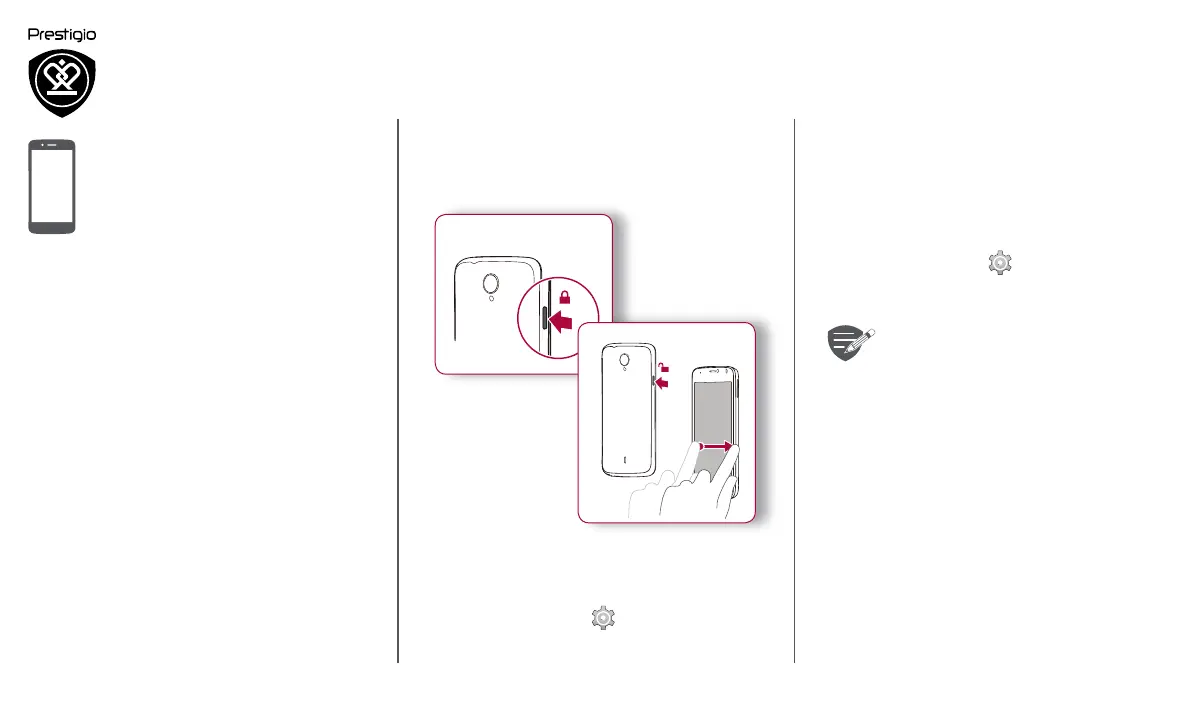
Lock and unlock the screen
When not in use, lock your phone to prevent
unwanted operations and save the battery power.
Lock
Unlock
1
2
Auto lock
You can set a time span for the screen to be locked
automatically.
1. On the list menu, tap Settings >Display >
Sleep.












 To Next Page