Cleaning and Maintenance
• To avoid risk of electric shock, do not disassemble the display unit cabinet. The unit
is not user-serviceable. Remember to unplug the display unit from the power outlet
before cleaning.
• Do not use alcohol (methyl, ethyl or isopropyl) or any strong dissolvent. Do not use
thinner or benzene, abrasive cleaners or compressed air.
• Do not wipe the screen with a cloth or sponge that could scratch the surface.
• To clean your antistatic screen, use water and a special microfiber screen cleaning
tissue used in optical lens cleaning, or lightly dampen a soft, clean cloth with water or
a mild detergent.
• If the instructions above do not help in removing stains, contact an authorized service
agent.
3. Installing the monitor
3-1. Packing List
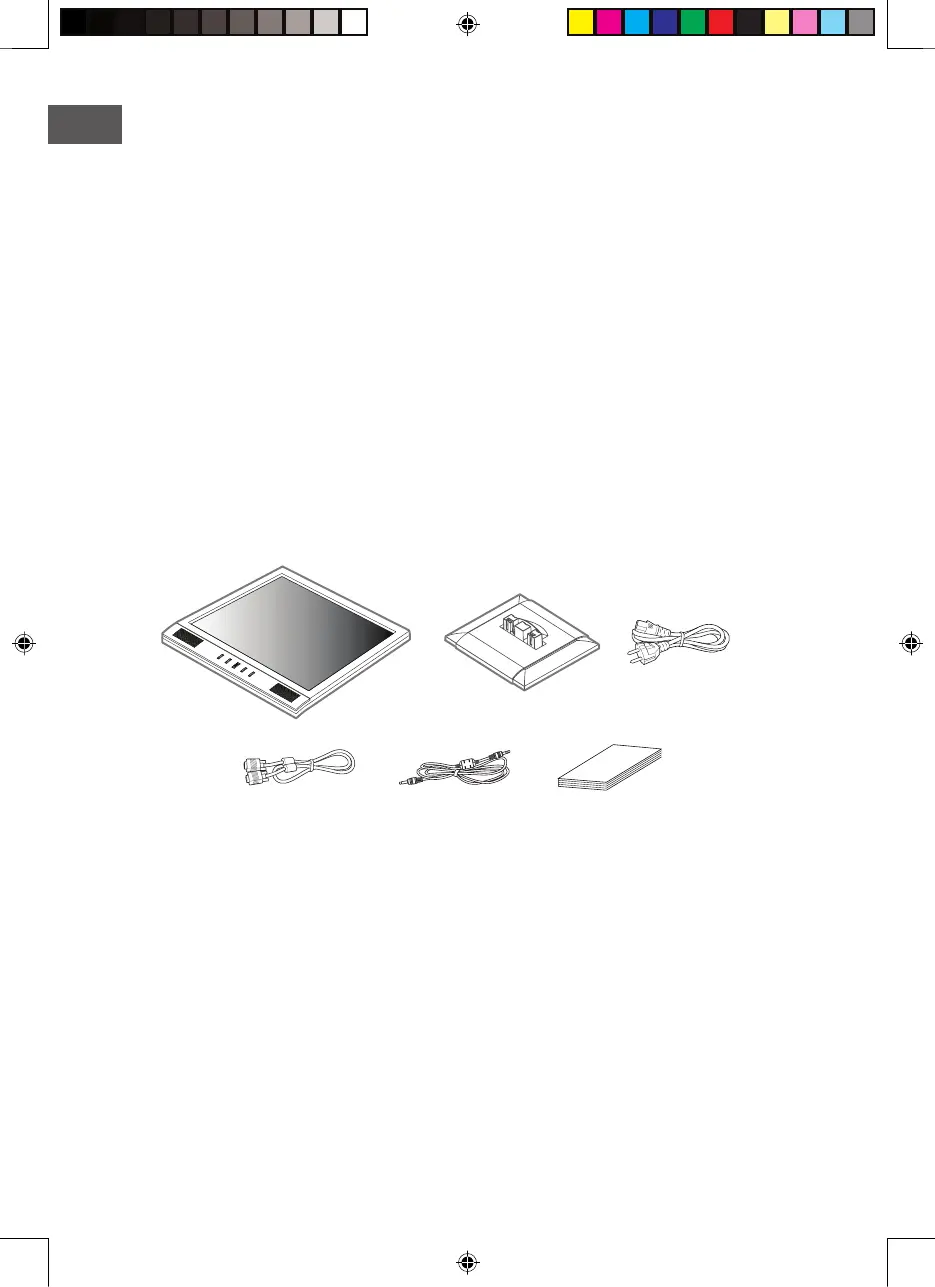
The following items should be found in the packaging.
Above power cord can be changed upon different voltage areas. Please contact your
dealer if anything is missing or damaged.
Other power cord except the cord packed in the product or longer than 3m may affect
EMC of the product in operating condition.
Signal Cable
Main Unit Body Stand Base
Audio Cable User’s Guide
Power Cord


 To Next Page