Operation Guide
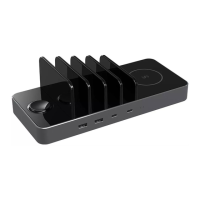
1. Connect the pad to the power line. Use the supplied
Type-C cable and power adapter. Wait until the power
connection LED indicator will turn red.
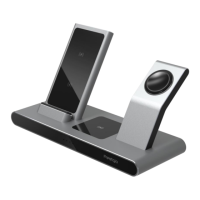
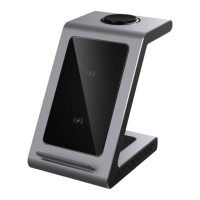
2. Place your smartphone, headphones, or smart watch
on the station in their respective places. Ensure that he
charging process has started The LED indicator of the
respective device will turn blue.


 To Next Page