2 Operating instructions and device
Before you use the device, read the information in the "How to use it safely" section.
1. Connect the station to the power supply. Use the power adapter and USB-C cable supplied. Wait
until the mains connection LED turns red.
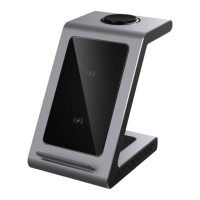
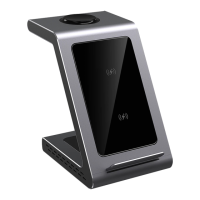
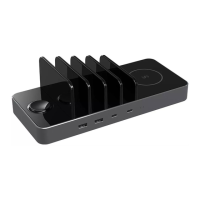
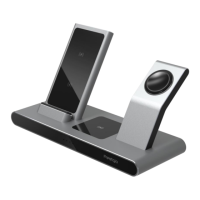
2. Place your smartphone, headphones, and/or smart watch on the station in the appropriate
locations. Make sure that the charging process has started. The LED of the corresponding device
will start to glow blue.
WARNING! If one or more of the device indicators blink blue rapidly, it means that the
protection against foreign objects getting between the device to be charged and the charging
station during charging has been triggered.


 To Next Page
 Loading...