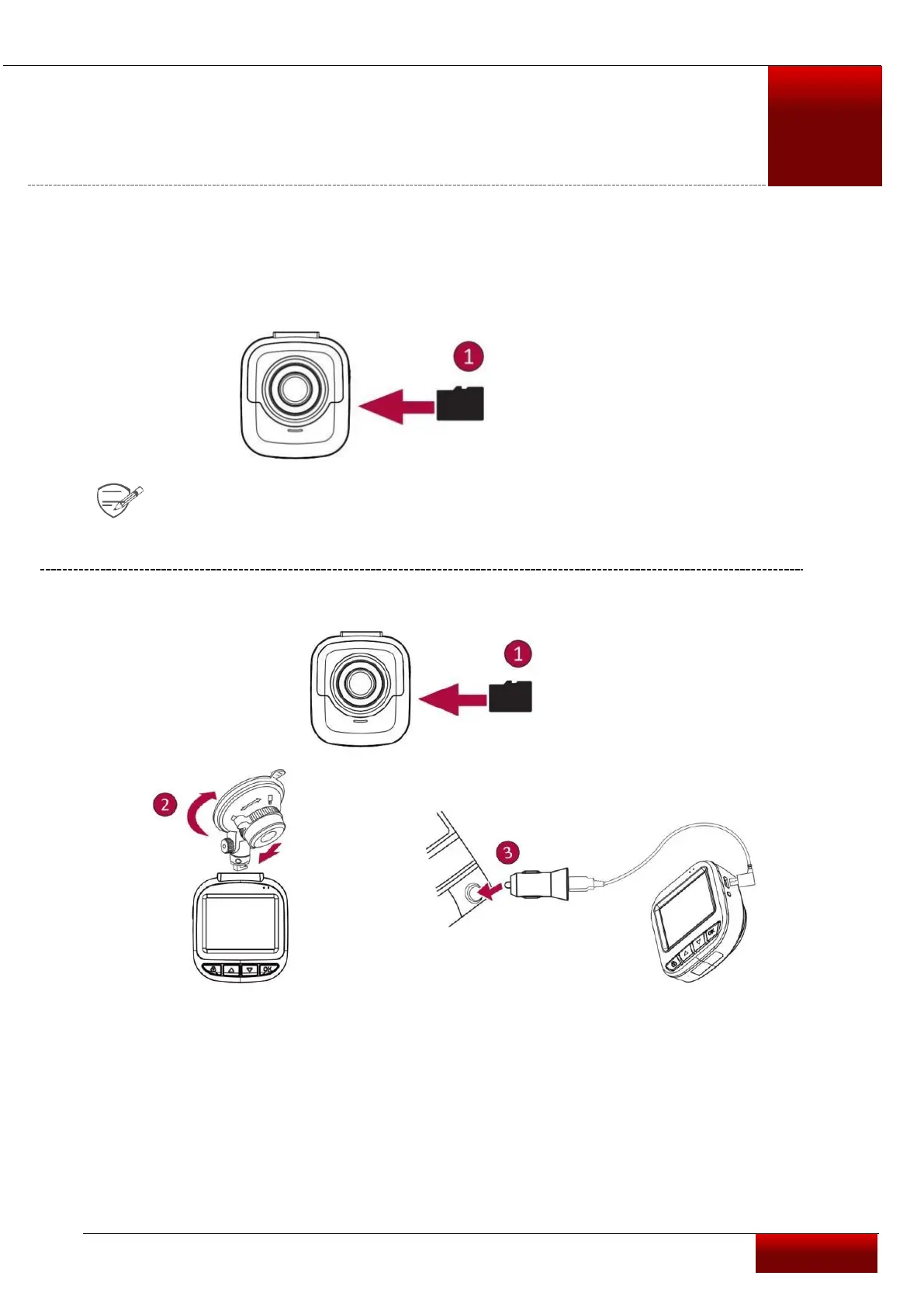
Insert a microSD card
Before starting video recording, please insert a microSD card (not included) into the slot until it locks
in place.
The device will automatically recognize it as default storage and all the data will be
saved on this card.
Install suction mount
• Follow the arrow pointing direction to insert the suction mount and lock the device
into its holder
• Remove the protection paper from the suction mount, and position the device
on the clean windshield or dashboard.



 To Next Page