Roadrunner 510 EN - 3
Quick Start Guide
Prestigio Roadrunner 510
included) into the SD card slot in the device.
z To extract the SD card slightly push it inside the device, and remove.
Note:
After inserting the SD card the device will automatically recognize it
as default storage and all the data will be saved on this card.
6. Recording
z To start recording make sure the Video Mode is selected. Press the
Record button to start recording. The recorded files are saved on SD
Card. To stop recording, press any button or stop the car engine if the
device is connected to the car charger. The light will turn off.
z With car charger connected the device will automatically turn on and
start recording if USB IN is activated.
7. Taking pictures
z To take a picture make sure the Picture Mode is selected. Press the
Record button to take a photo. Taken photos are saved on SD Card.
z To take photos with a flash press the navigation button left/right, until
the necessary flash symbol appears on the screen. To zoom the lens
in/out press the navigation button up/down.
Home screen
8. Main menu
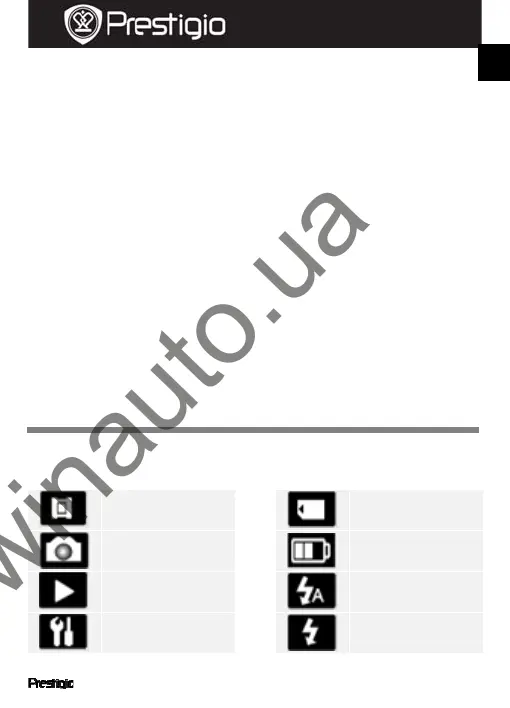
The following symbols may be displayed on the screen:
Videorecordingmode
Picturemode
Play
Systemsettings
Storagecard
Batterylevel
Autoflash
Fillflash
EN
Online-store car audio and autogoods
Winauto
winauto.ua



 To Next Page