Optimise your battery performance
Here are some tips to help you optimise your battery performance.
Congratulations on your purchase and welcome to Prestigio.
To get the most from your product and enjoy all that Prestigio has to offer,
More details about your product, please access:
http://www.prestigio.com/support
Please read the "Legal and safety notices" on your package before use.
Do not allow water to contact the touch screen. The touch screen may malfunction in
humid conditions or when exposed to water.
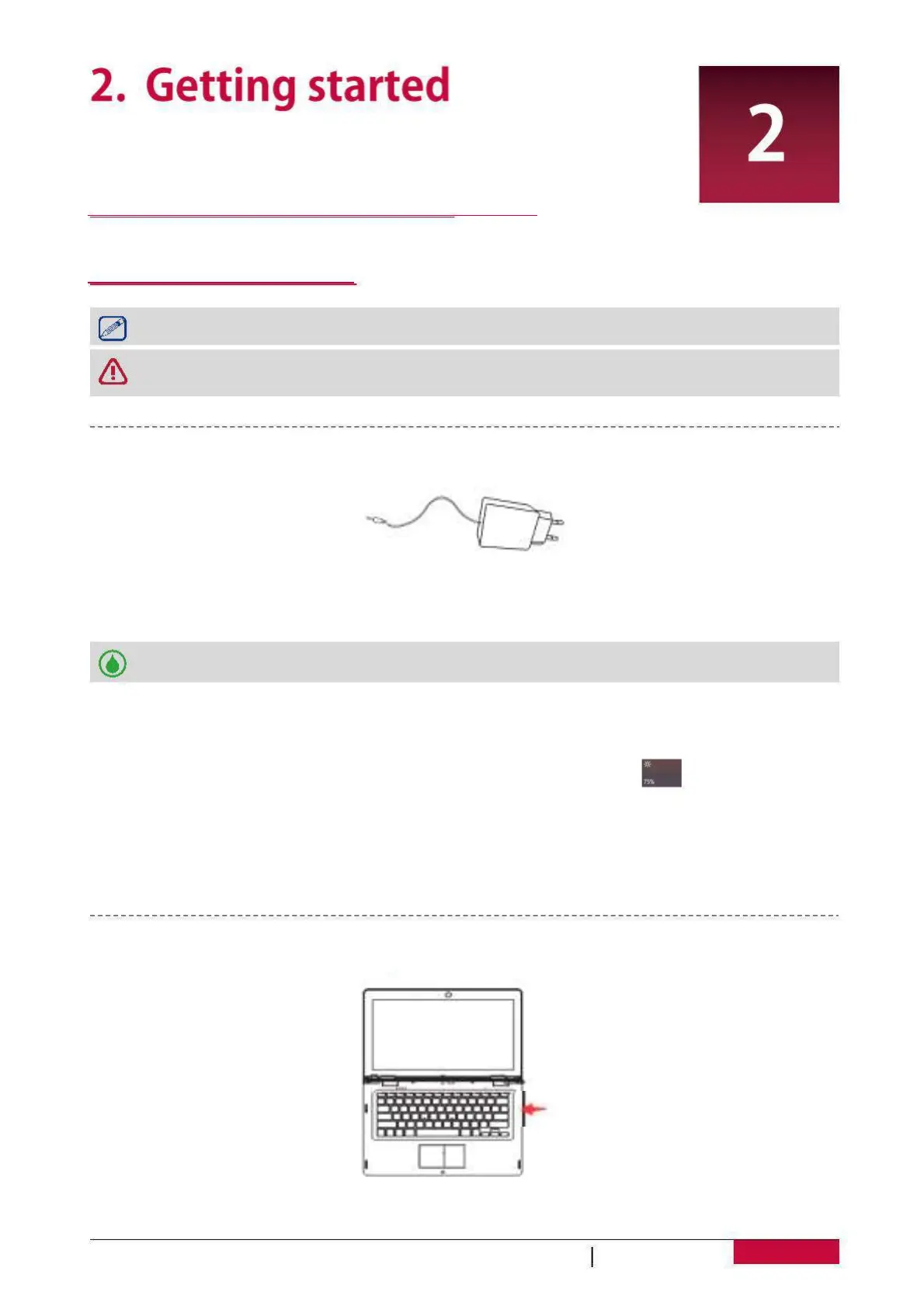
1. Assemble the power adapter: slide the plug fitting into the power adapter body until it clicks
2. Connect the adapter to the DC port of the Notebook-Transformer and then plug the
adaptor into a power outlet.
• You can use the Notebook-Transformer while it is charging.
Press and hold the power button for a few seconds to power on your
http://www.prestigio.com/catalogue/
Notebook-Transformer
- Reduce the brightness of your screen
: Open the Action center,tap [ ] to adjust the
backlight. The brighter the screen is, the more power it uses.
- Choose a power plan that saves power: A power plan is a collection of settings that control
how your Notebook-Transformer uses power.
- Turn off Wi-Fi & Bluetooth: If you do not need Wi-Fi or bluetooth for a while, turn it off to
conserve battery power.
Notebook-Transformer
D
B
D
G
D
B
U
S


 To Next Page