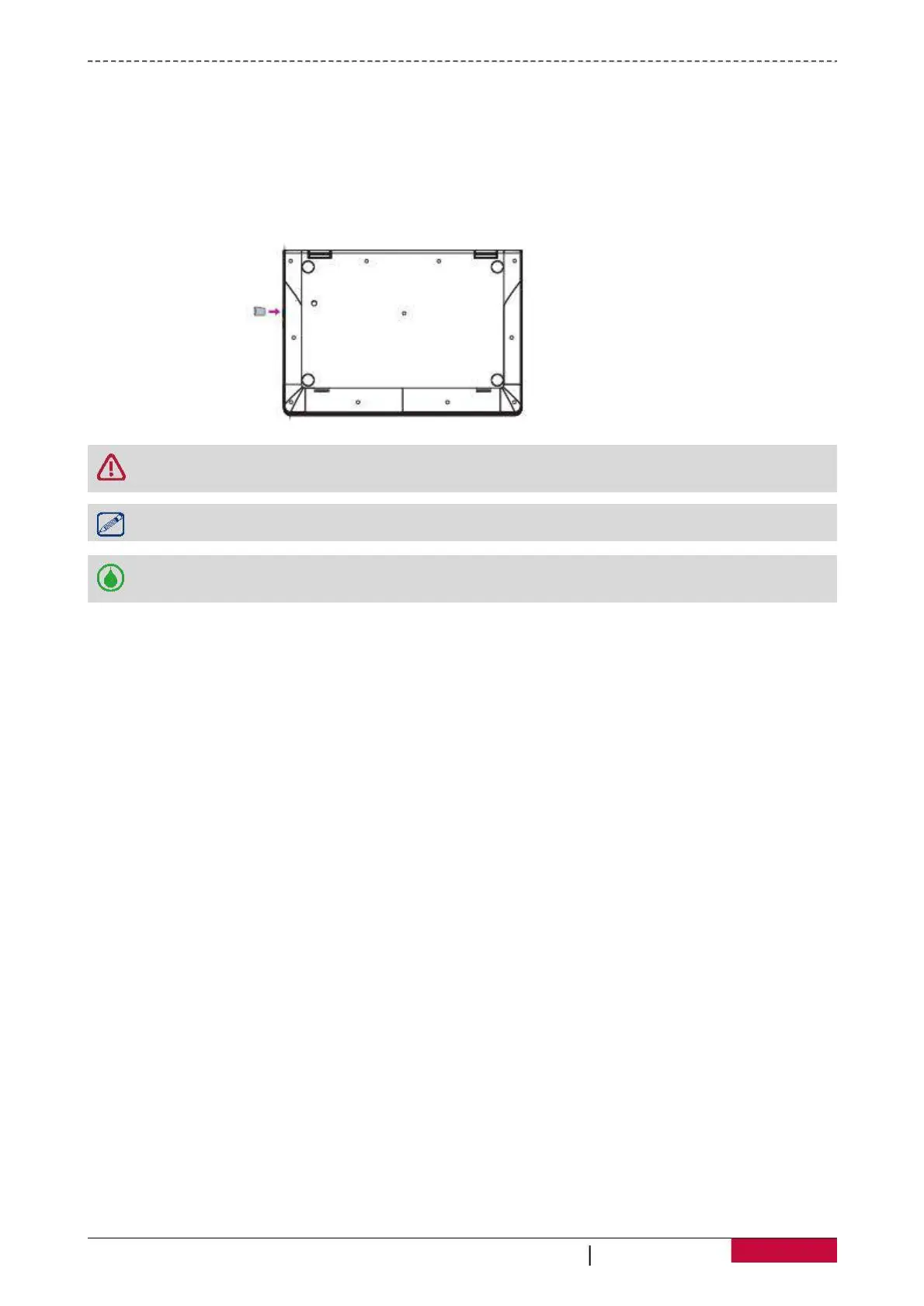
You can expand the memory of your Notebook-Transformer and store additional multimedia files by
adding a micro-SD card. Depending on the memory card manufacturer and type, some memory cards
may not be compatible with your device.
1. Insert a memory card with the gold contacts facing downwards.
2. Push the memory card into the slot until it locks in place.
Some memory cards may not be fully compatible with the device. Using an incompatible
card may damage the device or the memory card, or corrupt the data stored in it.
Frequent writing and erasing of data shortens the lifespan of memory cards.
Remove the memory card: push the memory card until it disengages from the device, and
D
B
D
G
D
B
U
S


 To Next Page