28 www.quantumrehab.com Quantum 610
Power Elevating Seat (Optional)
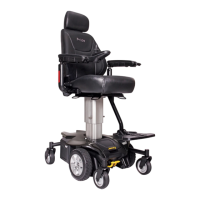
If your power chair is equipped with a power elevating seat,
you can change the seat height either through the controller or
through a toggle switch mounted to one of the armrests.
To change the seat height through toggle switch:
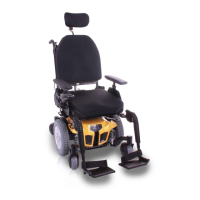
1. Press forward on the toggle switch to raise the seat. See
figure 24.
2. Pull back on the toggle switch to lower the seat.
WARNING! Do not allow the motor to run
more than a few seconds after the mecha-
nism reaches the top or bottom limit.
NOTE: For more information on operating the power
elevating seat through the controller, contact your Quan-
tum Rehab Specialist.
WARNING! The power elevating seat option
is intended for use on a level surface only.
Never raise the seat from its lowest position
on an inclined surface. Failure to heed this
warning can result in the power chair tip-
ping over.
WARNING! Never raise the seat from its
lowest position when operating your power
chair on bumpy or uneven surfaces. Fail-
ure to heed this warning can result in the
power chair tipping over.
WARNING! Never raise the power elevat-
ing seat while your power chair is in the
freewheel mode.
WARNING! Always fasten the positioning
belt when operating the power elevating
seat.
NOTE: The power elevating seat option is equipped with
a system that reduces the speed of the power chair by one
half when the seat is elevated more than 2.54 - 5.08 cm
(1–2 in.). Always check to be sure this system is operat-
ing properly before using your power chair.
Figure 24. Power Seat Toggle Switch
V. COMFORT ADJUSTMENTS
Foot Platform Angle Adjustment
You can adjust the angle of the foot platform with a hex key.
To adjust the foot platform angle:
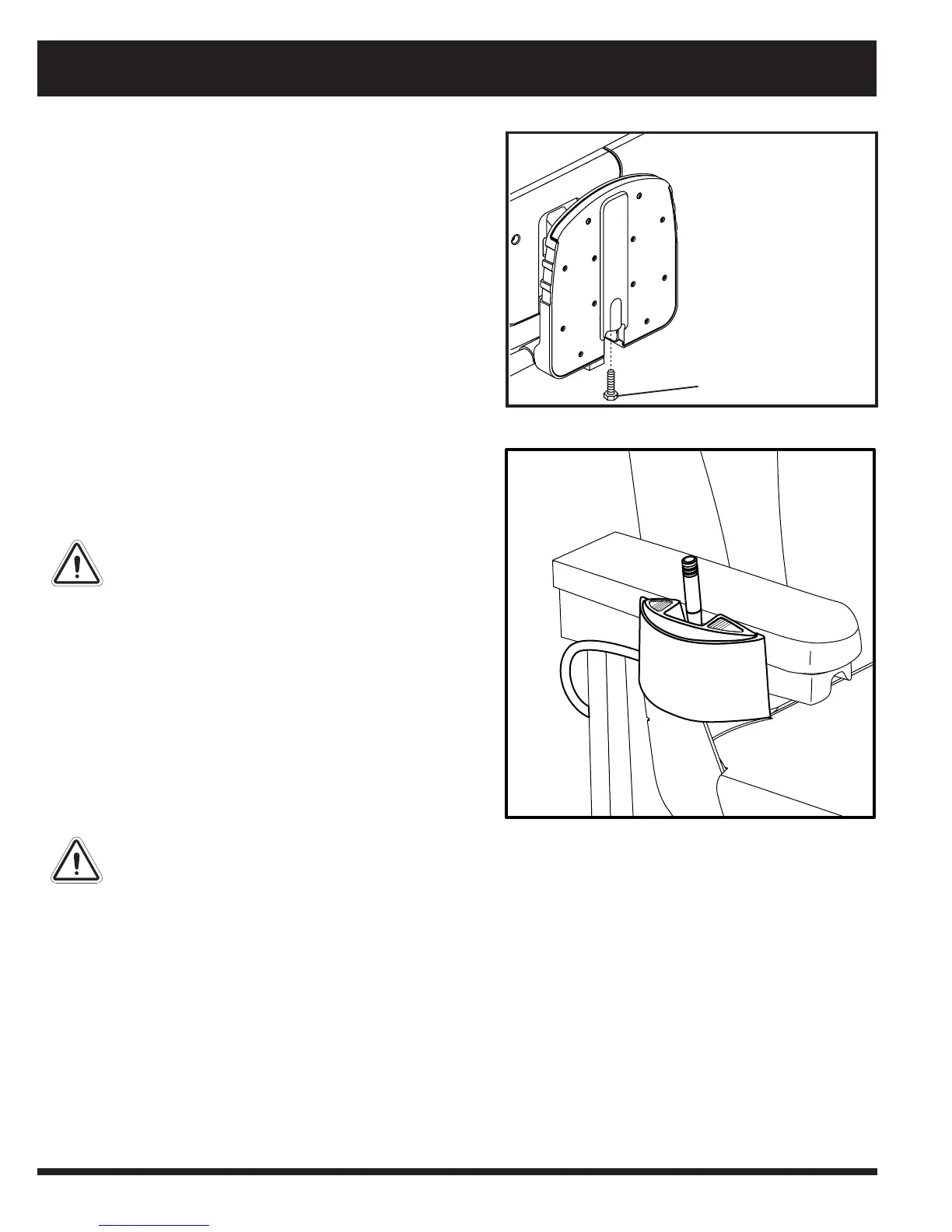
1. Flip up the foot platform and locate the screw. See fig-
ure 23.
2. Turn the screw to raise or lower the front of the foot plat-
form.
Figure 23. Underside of Foot Platform
SCREW


 To Next Page