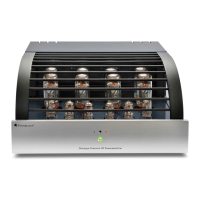
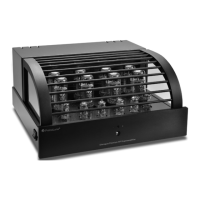
6B
EvoLution Series
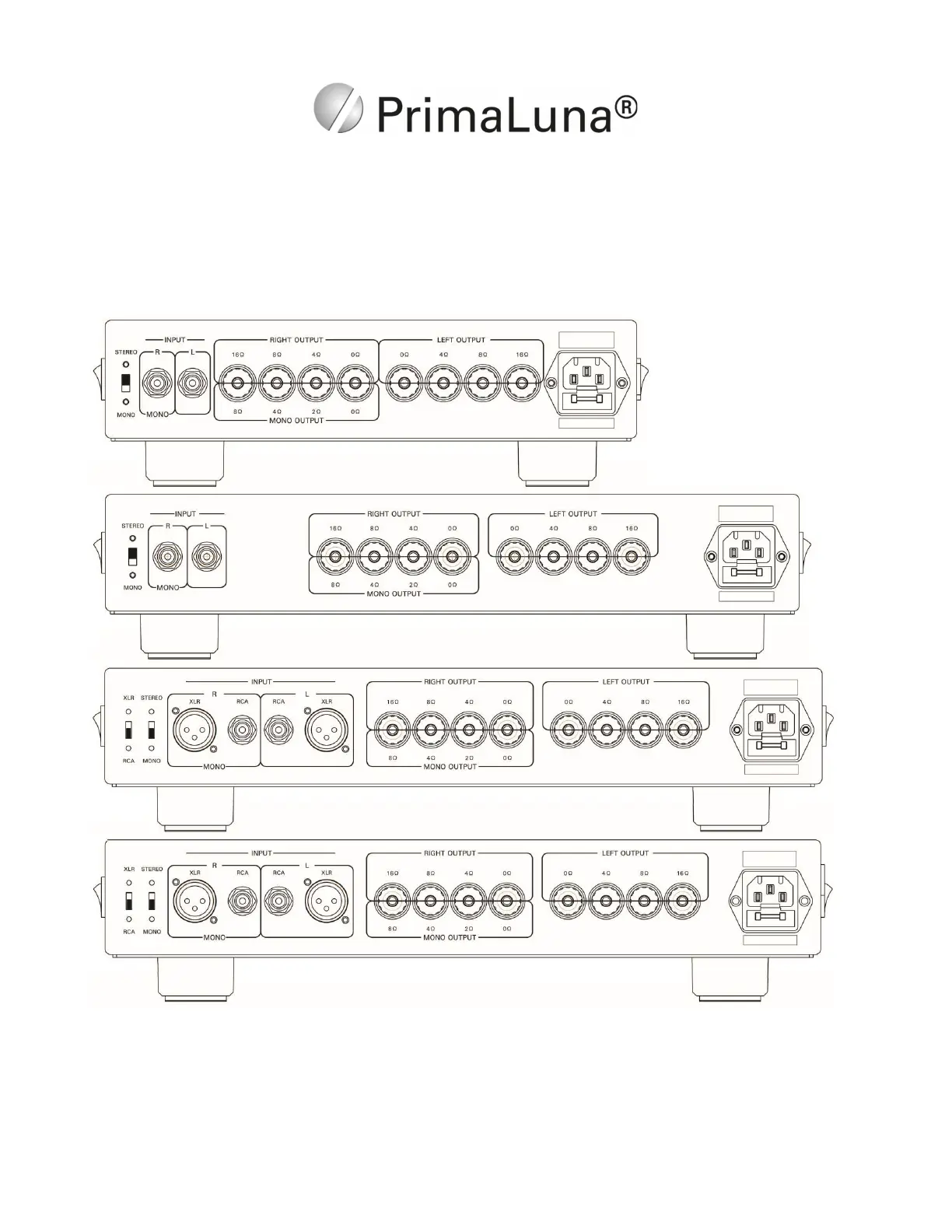
Back Panel Inputs, Outputs
At the rear panel, you will find your inputs and speaker terminals. Input can be switched -NOT while the
amplifier is on!- as mono or stereo input. The speaker taps also can be used as mono or stereo
output(s). Attach the (+) from your loudspeaker to the 2, 4, 8 or 16 Ohm terminal that most closely
matches the average impedance of your loudspeakers. The (-) from your loudspeaker attaches to the 0
Ohm terminal. Experiment using the 2, 4, 8 or 16 Ohm (+) terminal to find what's the best match with
your speakers. Don’t make any assumptions. Trust your ears.


 To Next Page