EasyManua.ls Logo

Prime PR100 - LED Description

Default Icon
8 pages
Print Icon
To Next Page IconTo Next Page
To Previous Page IconTo Previous Page
Loading...
4
Mini USB
interface
Connect a 5V DC adapter can power on PR100 and charge the internal
battery.
Backend server developer or administrator can use the data cable to configure
PR100.
Reset Key
Click the key will turn off internal VBAT when OS is abnormal, and then
press Power Key to restart PR100.
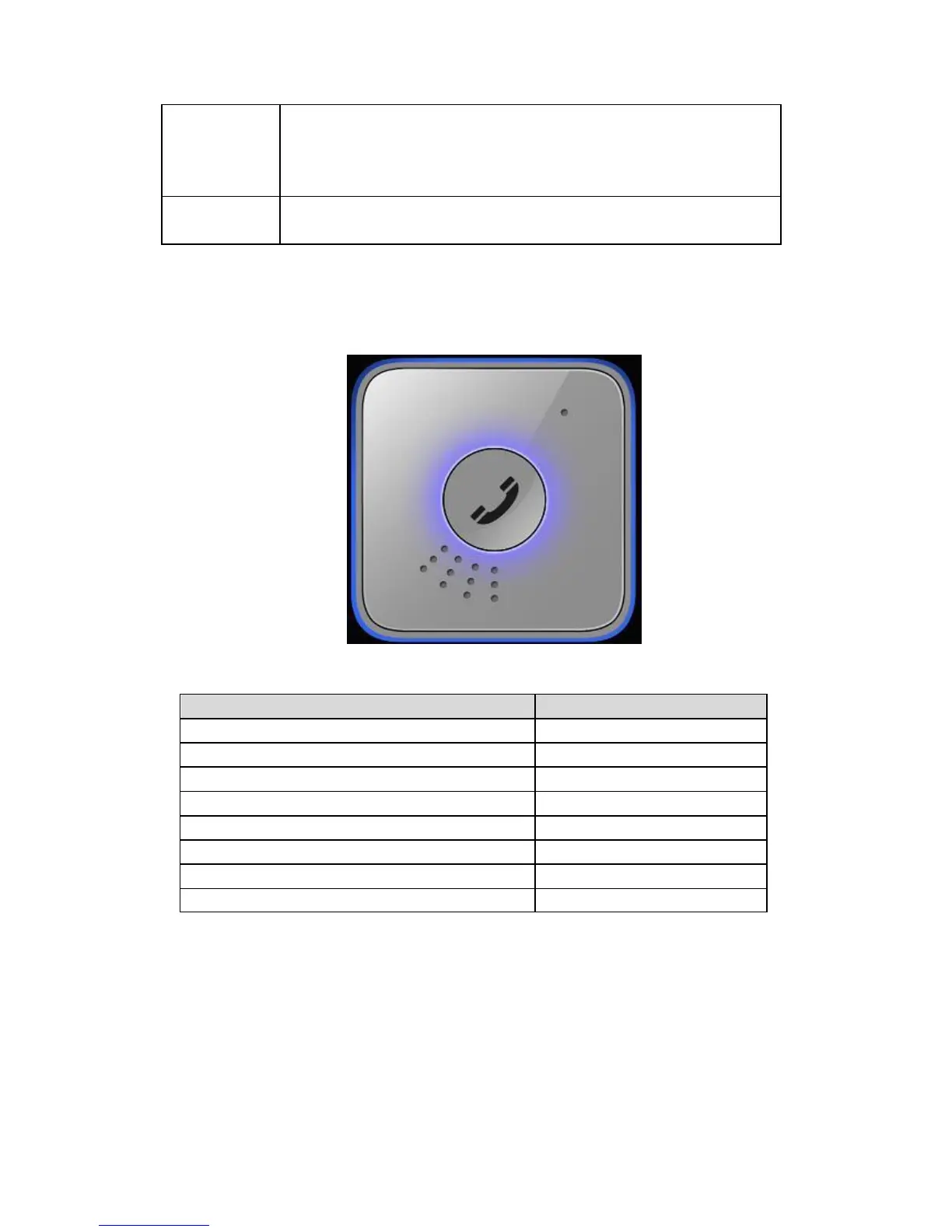
2.3 LED Description
Figure 1-2
There are red and blue LED lights in PR100 device, the description as following.
Event
Light State
Power off
Solid red
Power on and normal
Solid red AND solid blue
Fully charged
Slow flashing blue
In charging
Slow flashing red
SOS call in progress
Solid red
Normal call in progress
Solid blue
Call failed (i.e. no signal)
Solid red AND solid blue
Low battery
Fast flashing red