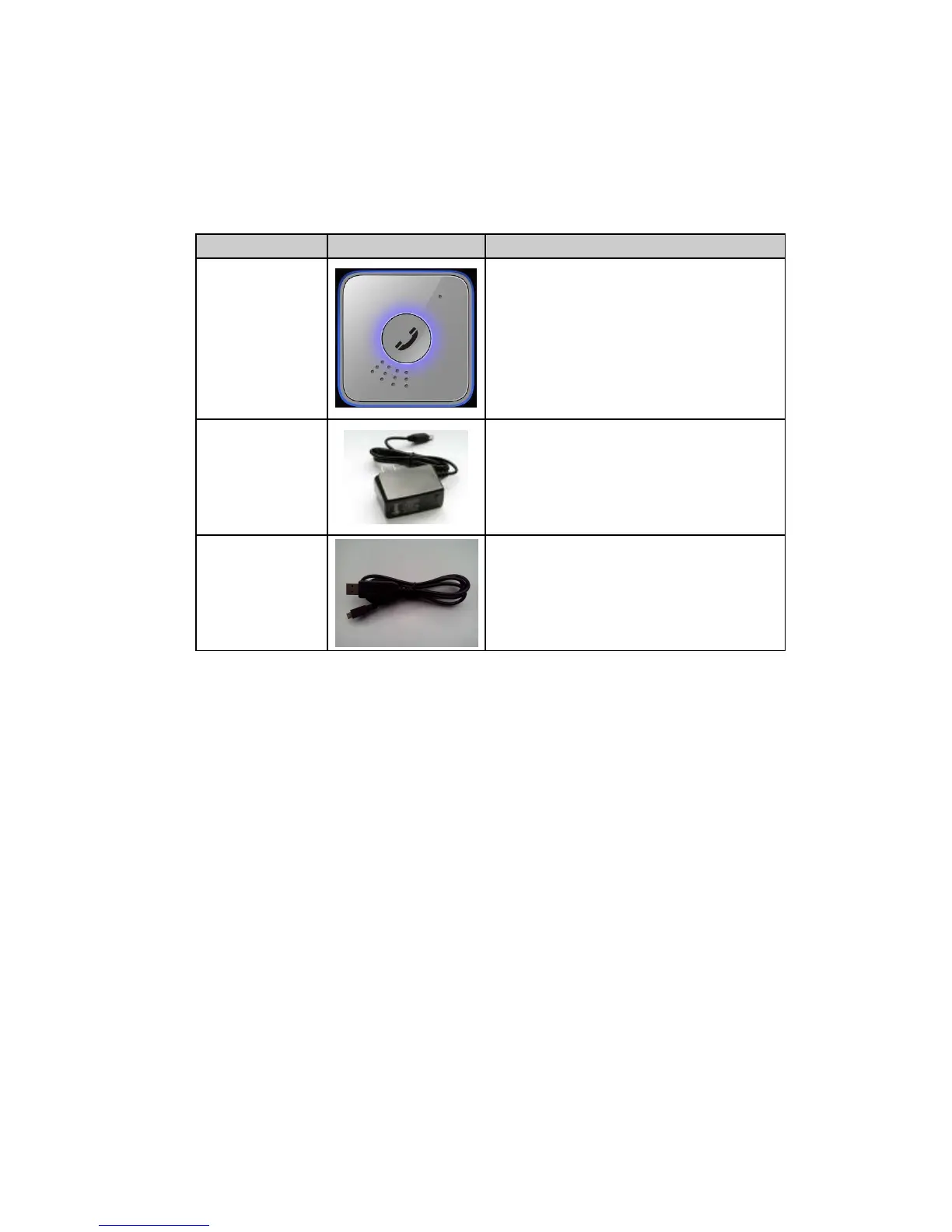
It is the USB data cable which can be used
for firmware upgrading and configuration.
It also includes the charger interface on the
PR100.
3.2 Battery Charging
The following items are suggestion for battery charge, please pay more attention.
Please connect AC-DC power adapter with PR100 device.
Insert the AC-DC power adapter into the power socket.
During the charging process, the LED light will slow flash red. When the battery is
fully charged, the LED light will be slow fashing blue.
You can also charge the battery using USB cable which connects PR100 device
with the PC.
Charging will last about less than two hours.
Note: If the PR100 device is firstly used, please make sure the battery is fully charged,
which will make the life of battery much longer.
3.3 PR100 Data Cable
PR100 Data Cable is a cable with a Mini USB connector.
The USB data cable is used for firmware update or configuration and can be used for



 To Next Page