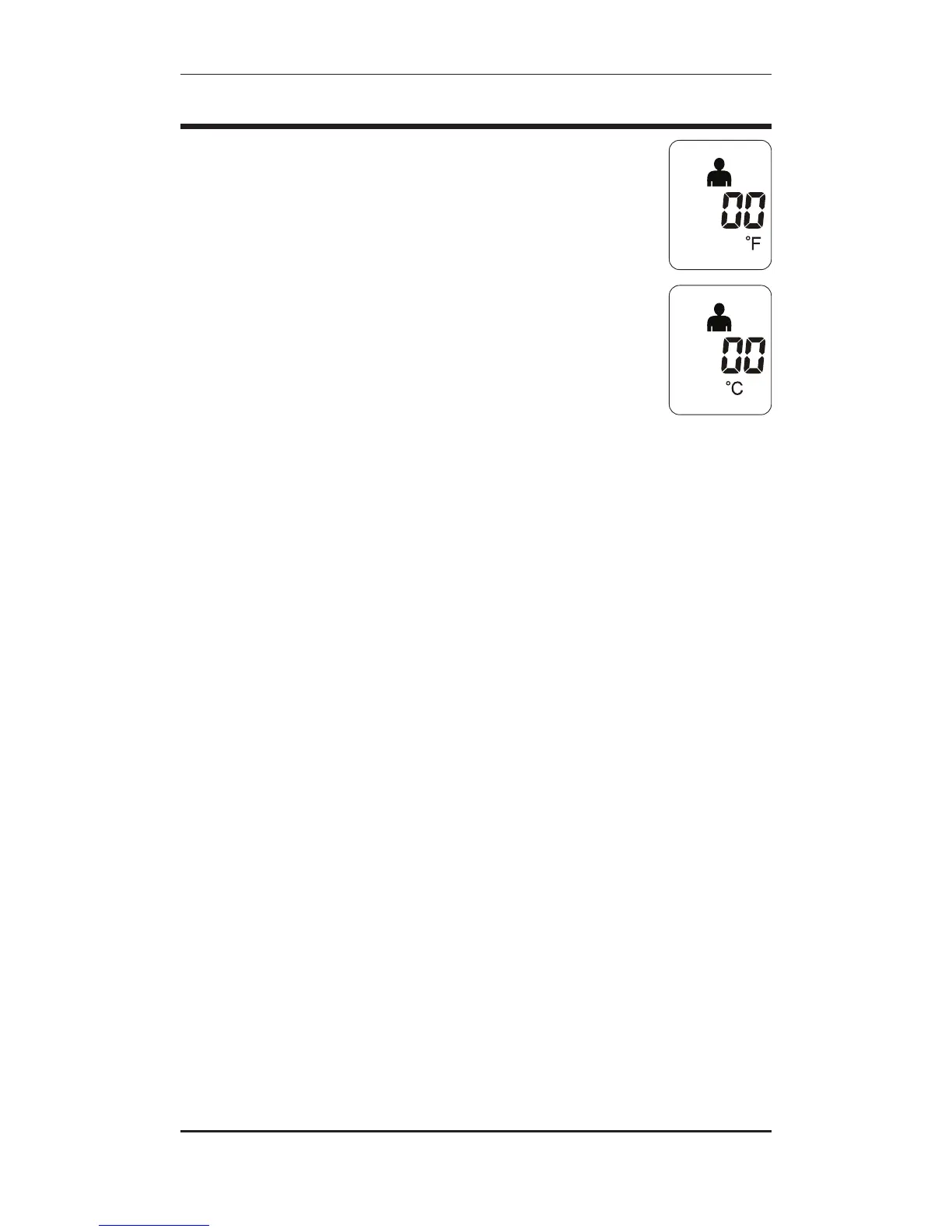
SWITCHING BETWEEN ºF / ºC
Your thermometer can display results in either degrees Fahrenheit
(°F) or degrees Celsius (°C).
To switch between Fahrenheit and Celsius, while the unit is on press
and hold both the Person/Object button and the MEM (Memory)
button until the °F icon on the display switches to the °C icon, or vise
versa, at which time the mode has been changed and you may release
the buttons.
10 • ENGLISH


 To Next Page