ENGLISH • 11
Your Non-Contact Digital Infrared Thermometer automatically stores
the last 10 readings taken. To view the readings stored in memory,
follow these steps:
1. Press the MEASURE button to turn the thermometer on.
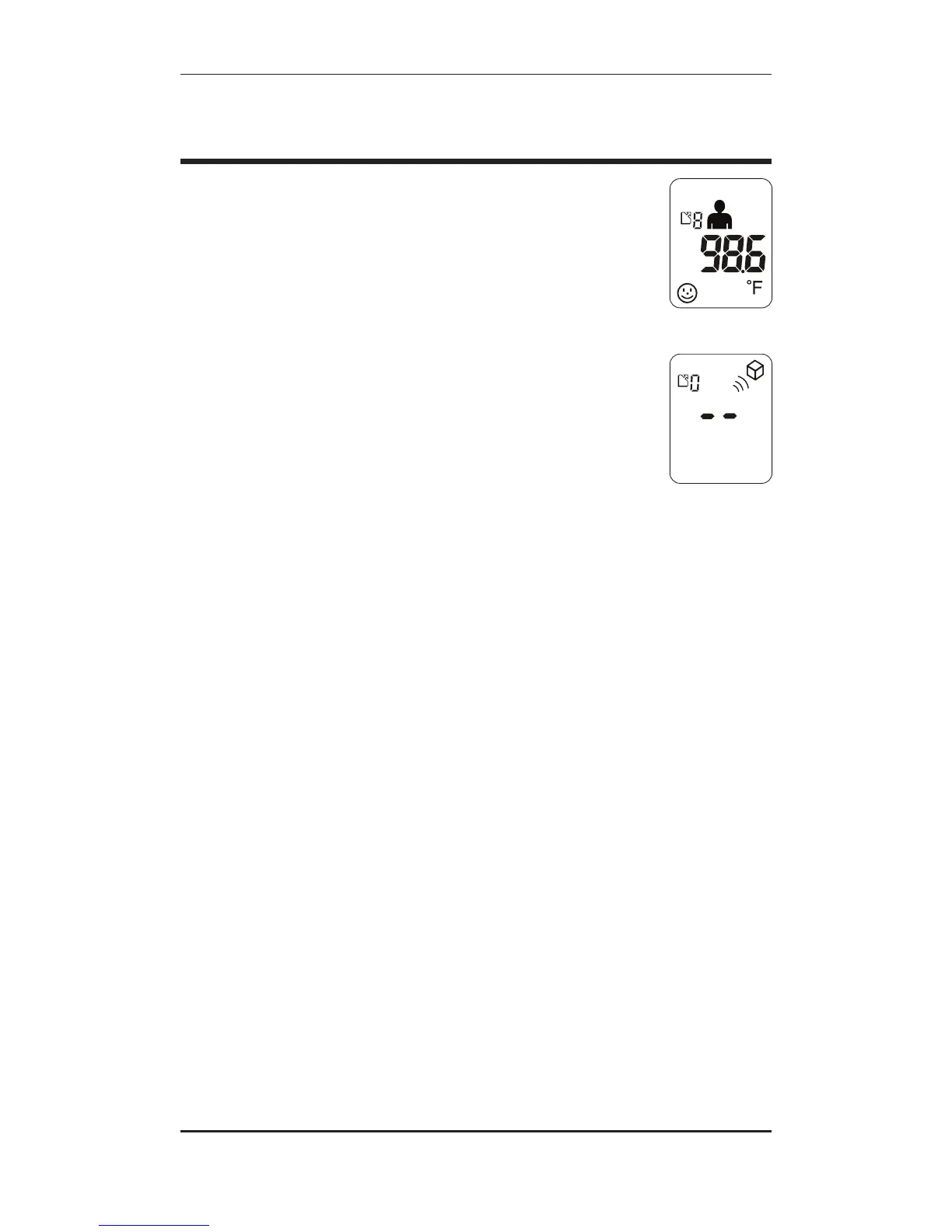
2. Press the MEM (Memory) button to recall the most recent
measurement, Fig. 1.
3. Press the MEM (Memory) button multiple times to view
previous readings (the unit will beep each time you switch
readings). The index number above the temperature reading
indicates the sequential number of the stored reading you are
currently viewing.
After 10 measurements have been stored in the memory, the oldest
reading will be automatically deleted. To clear all records from the
memory, hold the Memory button down until you hear a beep and
two dashes appear on the display, Fig. 2.
Fig. 1
Fig. 2
RECALLING AND CLEARING
READINGS


 To Next Page