Switching On the camera
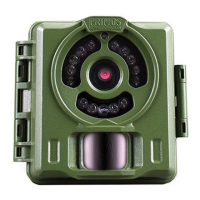
Once you move the Power Switch to ON, the AIM/Status LED will blink for several seconds (10 seconds
countdown). This gives you time to close and lock the front cover of the Primos Mug Shot Trail Camera
and then walk away. During this time, the AIM/Status LED will blink continuously. After it stops blinking,
the PIR sensor is active, and any motion that is detected by it will trigger the capture of photos or videos
as programmed in Setup Mode.Be sure you have read the camera Setup Mode section. Please note, the
PIR is strongly sensitive to ambient temperature. The greater the temperature difference between the
environment and your subject, the farther the possible sensing distance.
Before leaving the camera unattended, please check for the following:
Are the batteries inserted with correct polarity and is their power level sufficient?
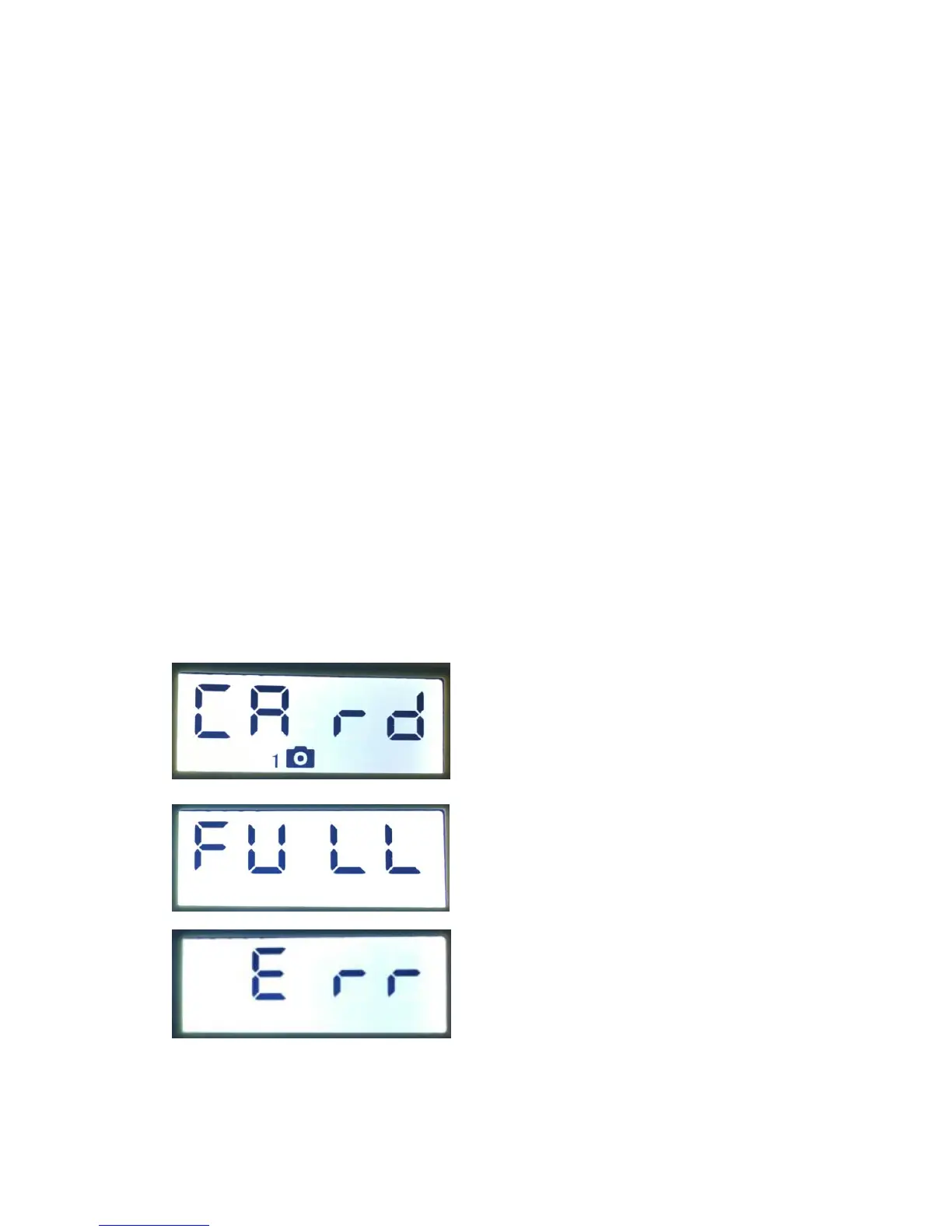
Does the SD card have sufficient available space and it it’s write-protection (lock) switch off?
Is the Power switch in teh ON position? (do not leave it set to AIM)
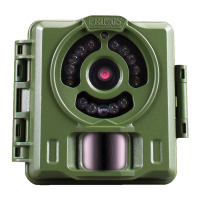
Fig.3


 To Next Page