Instruction manual
7
• Pressing the on/off touch button when the power is on will show
the Wi-Fi icon + current temperature + time (if set on the phone)
on the display screen with back ground light on.
• After 10 seconds without pressing one of the touch buttons, the
back ground light will go off. On screen you will still see: Wi-Fi
icon + current temperature + time (if set on the phone)
USING THE HEATER WITH PRINCESS HOME APP
• The heater can be used manually with its built-in controls or you
can use a smart phone or smart speaker to control it. Before you
begin, ensure the Princess Home app is downloaded. The
Princess Home app is available on Android and iOS.
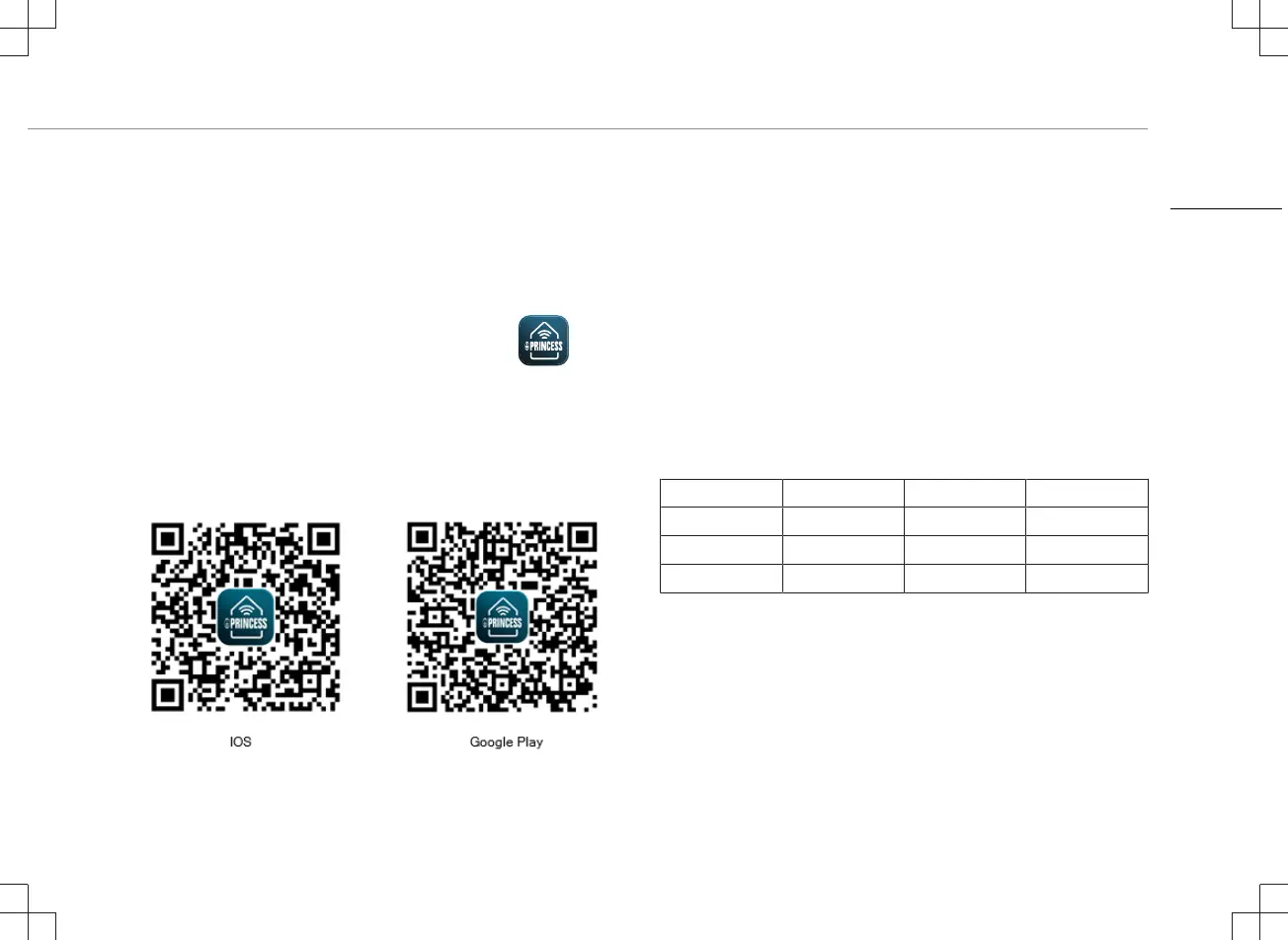
• Download the correct version of the Princess Home app via our
website princesshome.eu/nl-nl/princess-home-app or use QR:
Pair your heater to Princess Home app
• Make sure your heater is powered.
• Open the Princess Home app.
• Select your country code, enter the cell phone number and tap
“Get” to get a message containing the verification code.
• Enter the verification code in the message and tap “Log in” to log
in to the App.
• Click "Add Device" to add a new device.
• Select the device you wanted to connect.
• Follow the instructions on the app to connect the heater.
How to set local time
• When the item is connected to the Princess Home App, it will
automatically update the local time according to the time on the
phone.
Technical Specification
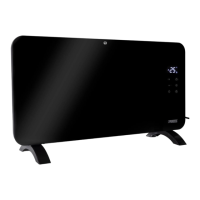
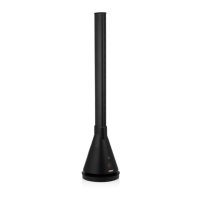
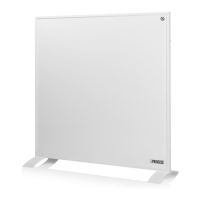
Details 348035 348054 348070
Voltage 220-240V~ 220-240V~ 220-240V~
Frequency 50/60Hz 50/60Hz 50/60Hz
Power 350W 540W 700W
Wireless technology: Wi-Fi
Operating frequency: 2400MHz~2483.5MHz
Max. radio-frequency power: 18 dBm
CLEANING AND MAINTENANCE
• Before cleaning, unplug the appliance and wait for the appliance
to cool down.
EN


 To Next Page