8
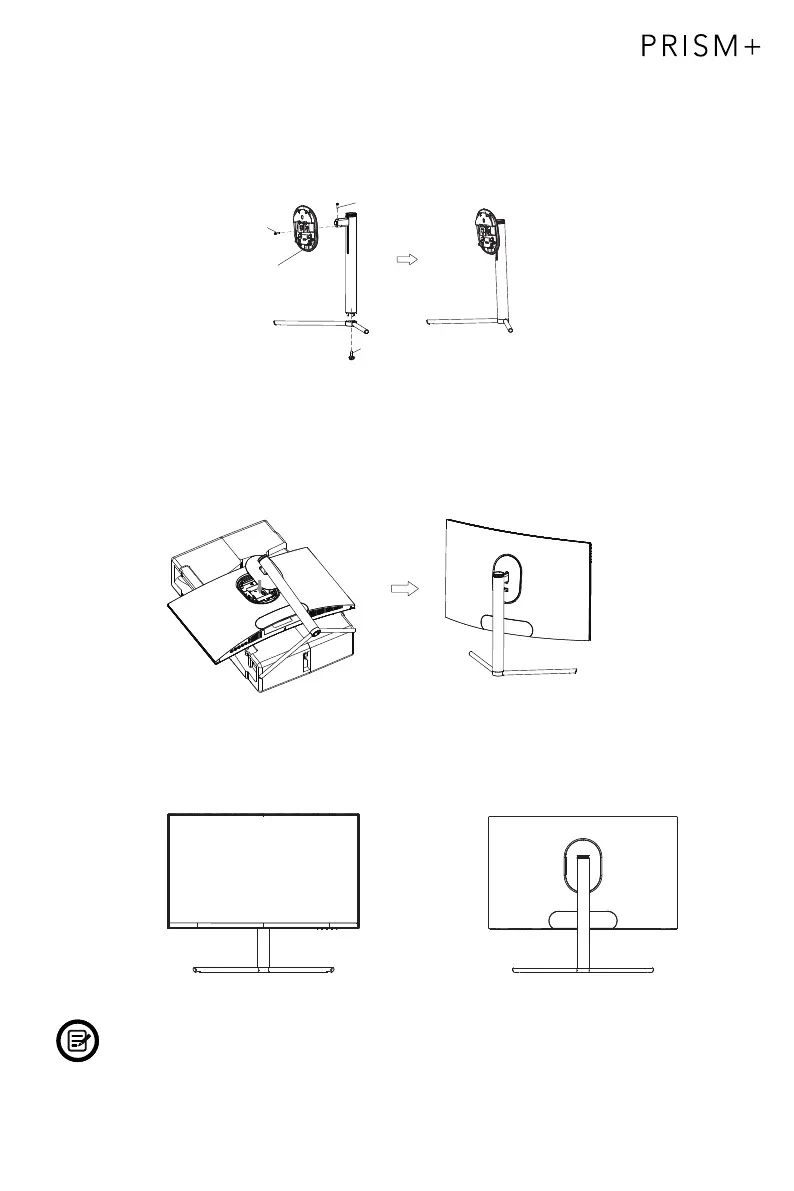
4. Take out the shaft assembly and stand stem and fastened it with 2 pcs of 11mm
screws, as shown in the picture. Then, fasten the stand base and stand stem
with 1 pc of 11mm screw.
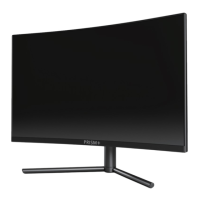
Based on the picture below, place the well assembled stand to the corresponding
slot at the back cover and ensure the shaft assembly is well attached to the monitor.
Gently lift the monitor up and ensure that the monitor is well attached.
To dismantle, operate by reversing the installation steps.
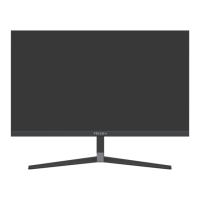
Gently lift your monitor to an upright position.
Note: Do not lift the monitor by holding on the screen to prevent breaking the
panel; The lifting range is 100mm, and the anti-sliding effect should be taken
into consideration when extracting.
5.
6.
Screw
Shaft assembly
Screw
Screw


 To Next Page