2
• Do not allow water to enter the connector. Also, do not touch the connector if your
hands are wet. Doing so may cause an electric shock.
• Do not connect or disconnect the USB Data Transfer Cable during data transfer.
Doing so may cause a data communication error.
Package Contents
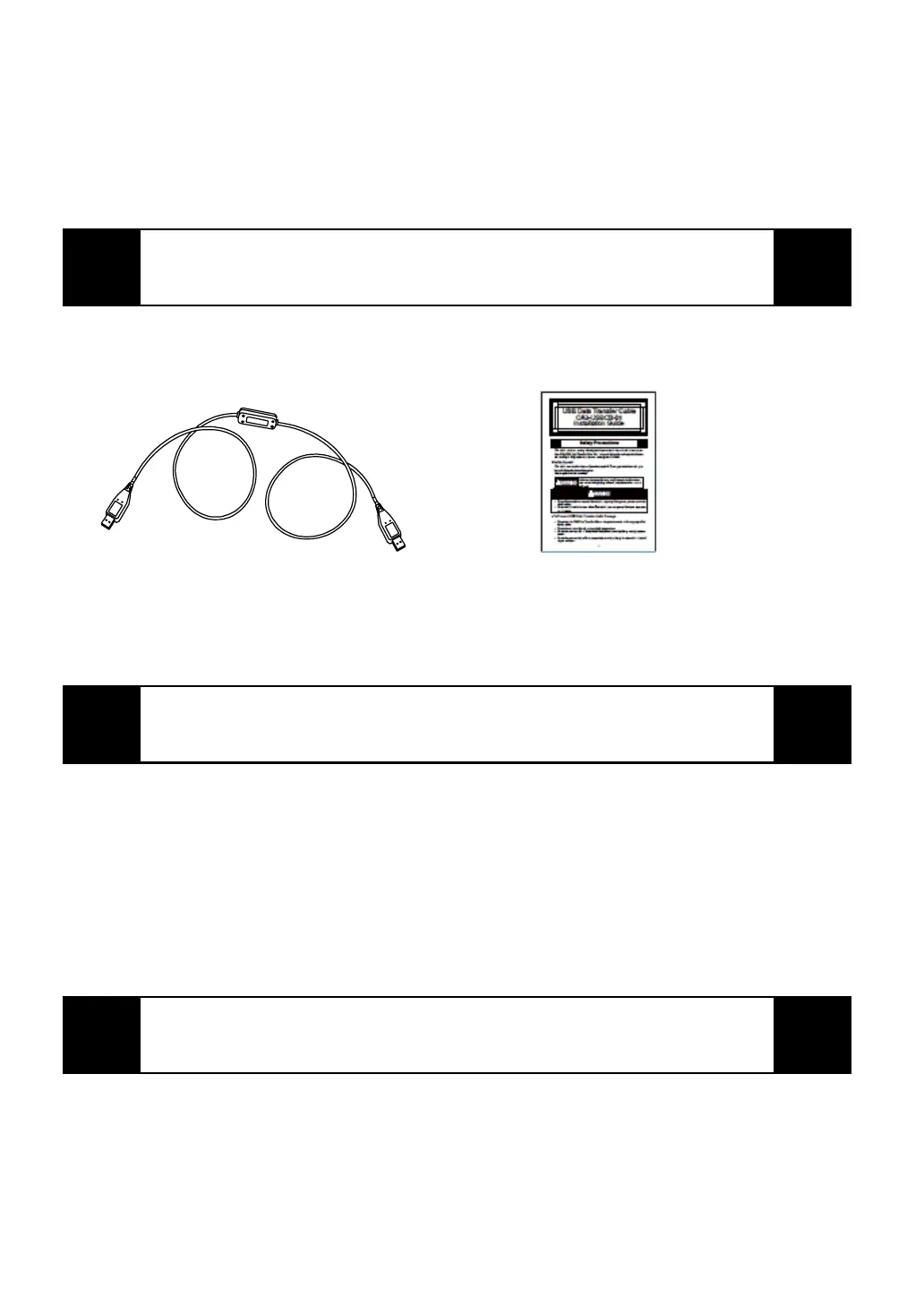
USB Data Transfer Cable (1)
(CA3-USBCB-01)
Installation Guide
(This Guide)
This unit has been carefully packed, with special attention to quality. However, if for
any reason you find any of the contents of this package damaged or missing, please
contact your local Pro-face representative immediately.
Compatible OS Types
This cable is compatible with the following OS types.
Microsoft
®
Windows
®
2000, Microsoft
®
Windows
®
XP
The USB Data Transfer Cable's driver is contained on the CD-ROM of the screen cre-
ation software used for your AGP unit; such as Pro-Designer.
For driver installation instructions, please refer to this software’s online help.
The USB Data Transfer Cable (CA3-USBCB-01) is NOT compatible with GP-PRO/
PBIII C-Package.
Corresponding Products
The USB Data Transfer Cable can be used with the following units:
Corresponding product: AGP-3000 Series units


 To Next Page