4
2 Installation
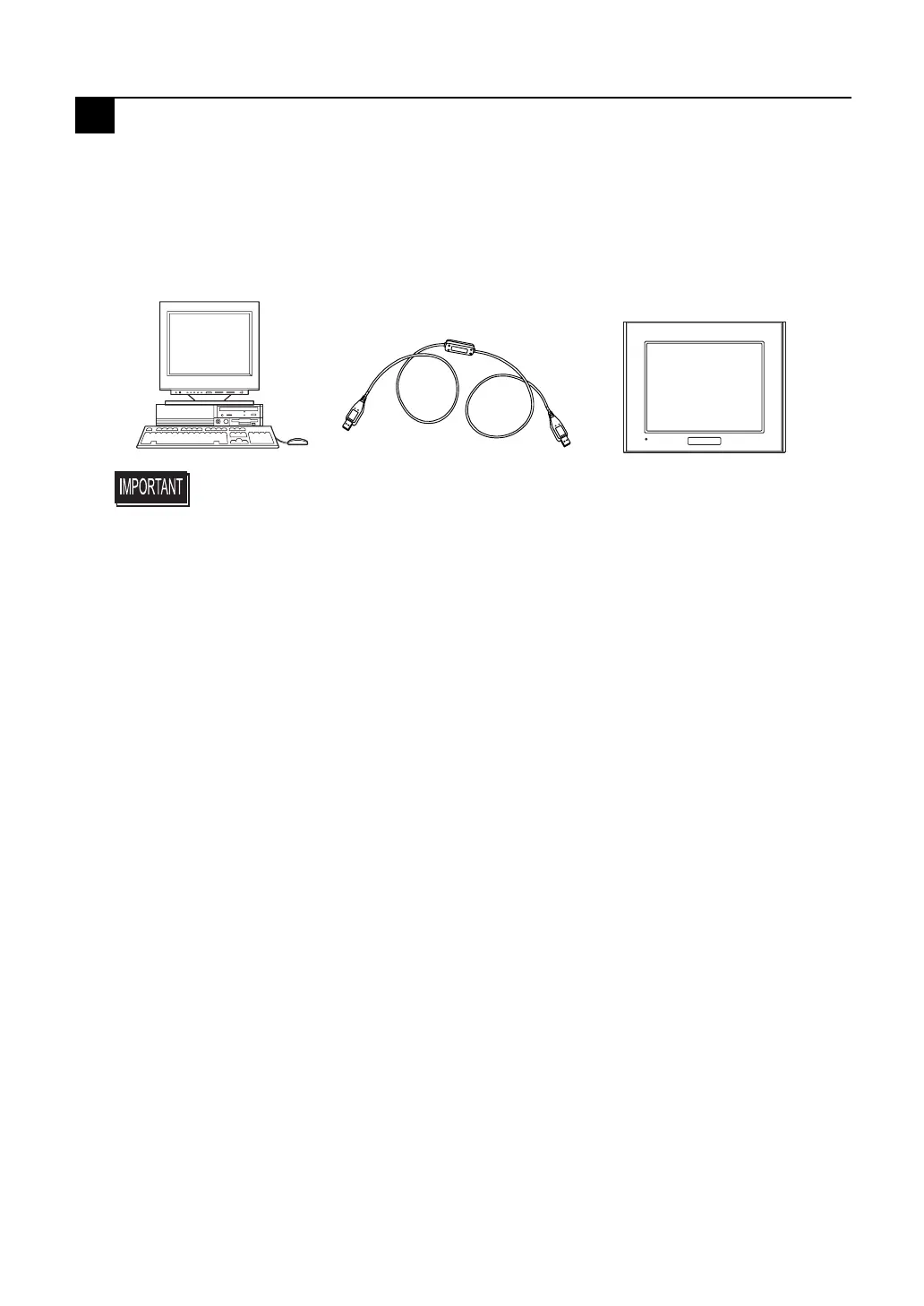
The USB Data Transfer Cable is attached to a personal computer's USB port. The
cable's other connector should be attached to the AGP unit's USB port.
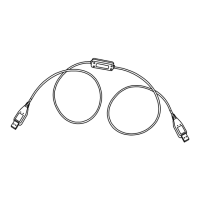
Also, this cable's connectors are exactly the same. Connecting either connector to
either unit will not cause any problems.
The USB Data Transfer Cable's driver is contained on the CD-ROM of the screen cre-
ation software used for your AGP unit; such as Pro-Designer.
For driver installation instructions, please refer to this software’s online help.
The USB Data Transfer Cable (CA3-USBCB-01) is NOT compatible with GP-PRO/
PBIII C-Package.
• When connecting the USB Data Transfer Cable to your PC or to
the AGP, be sure to insert the cable's connector at the correct 90
o
angle. Failure to do so may damage either the connector or the
main unit.
• Since the data transfer cable's connector case is metal, be sure it
does not contact the charged section of any other equipment.
CA3-USBCB-01
AGP
PC


 To Next Page