GP4000 Series Hardware Manual
155
Removing the SD Card
Step Action
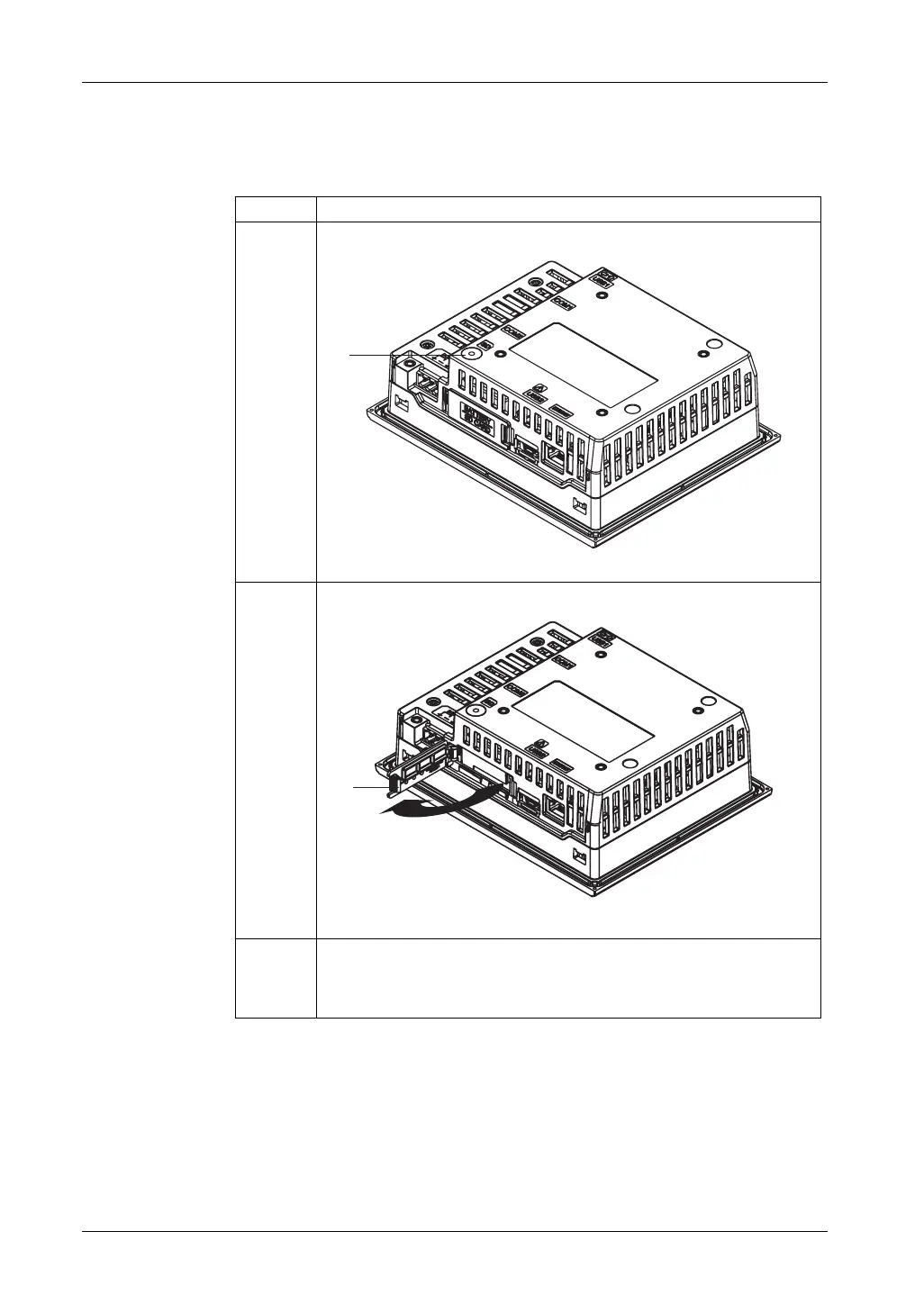
1 Make sure the SD Card Access LED is off.
1 SD Card Access LED
2 Push down the tab on the SD Card cover, then pull open the cover.
1 Tab
3 Push the SD Card once to release, and pull out the card. After removing the
card, close the cover.
NOTE: After using the SD Card, store the SD Card in its case or other safe
location.
(1)
(1)





 To Next Page