Connectivity
26
Edit Mode Peripherals
*1
For supported models, refer to Pro-face’s support site “Otasuke Pro!”
(http://www.pro-face.com/otasuke/). You can connect to this site in GP-Pro EX: from
the [Help (H)] menu, click [Connect to Support Site “Otasuke Pro!” (C)]
*2
There are certain types and models of PCs that are not supported. Please refer
to the “GP-Pro EX Reference Manual” for the software’s operating environment
requirements.
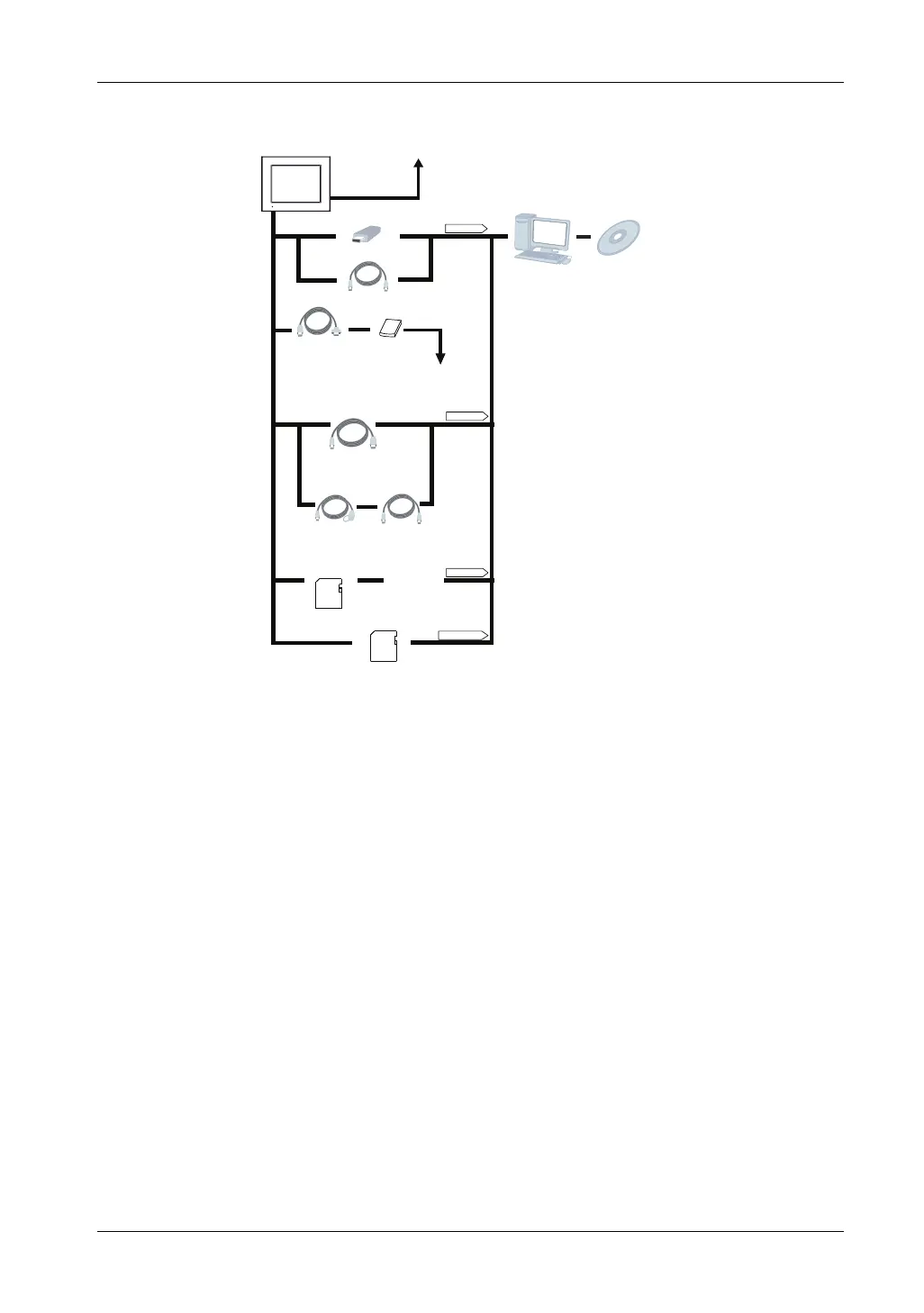
GP unit
USB (Type A) Interface
Ethernet Interface
(10BASE-T/100BASE-TX)
To an Ethernet Network
USB Memory Strage
*1
(Commercial type)
Modem
*1
(Commercial type)
USB Port
Personal Computer
(Commercial type)
*2
Screen Editor&
Logic Program Software
GP-Pro EX
USB Transfer Cable
CA3-USBCB-01
USB (mini B) Interface
SD Card Interface
USB Port
USB Port
SD Card Slot
USB Data Transfer Cable
(USB A/mini-B)
ZC9USCBMB1
or Commercial type
USB Transfer Cable
(USB A/mini-B)
ZC9USCBMB1 or
Commercial Type
USB Panel-mount
Extension Cable
(USB mini-B)
ZC9USEXMB1
SD Memory Card (4GB)
PFXZCBSD4GC41
or Commercial type
SD Card Reader
(Commercial type)
SD Memory Card (4GB)
PFXZCBSD4GC41
or Commercial type
USB-Serial (RS-232C)
Conversion Cable
CA6-USB232-01
Telephone lines





 To Next Page