EasyManua.ls Logo

Pro-Ject Audio Systems Head Box S2 - Page 3

Pro-Ject Audio Systems Head Box S2
4 pages
Print Icon
To Next Page IconTo Next Page
To Previous Page IconTo Previous Page
Loading...
© Pro-Ject Audio Systems · Pro-Ject Head Box S2 · Revision 2017.09.05
3
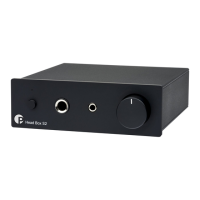
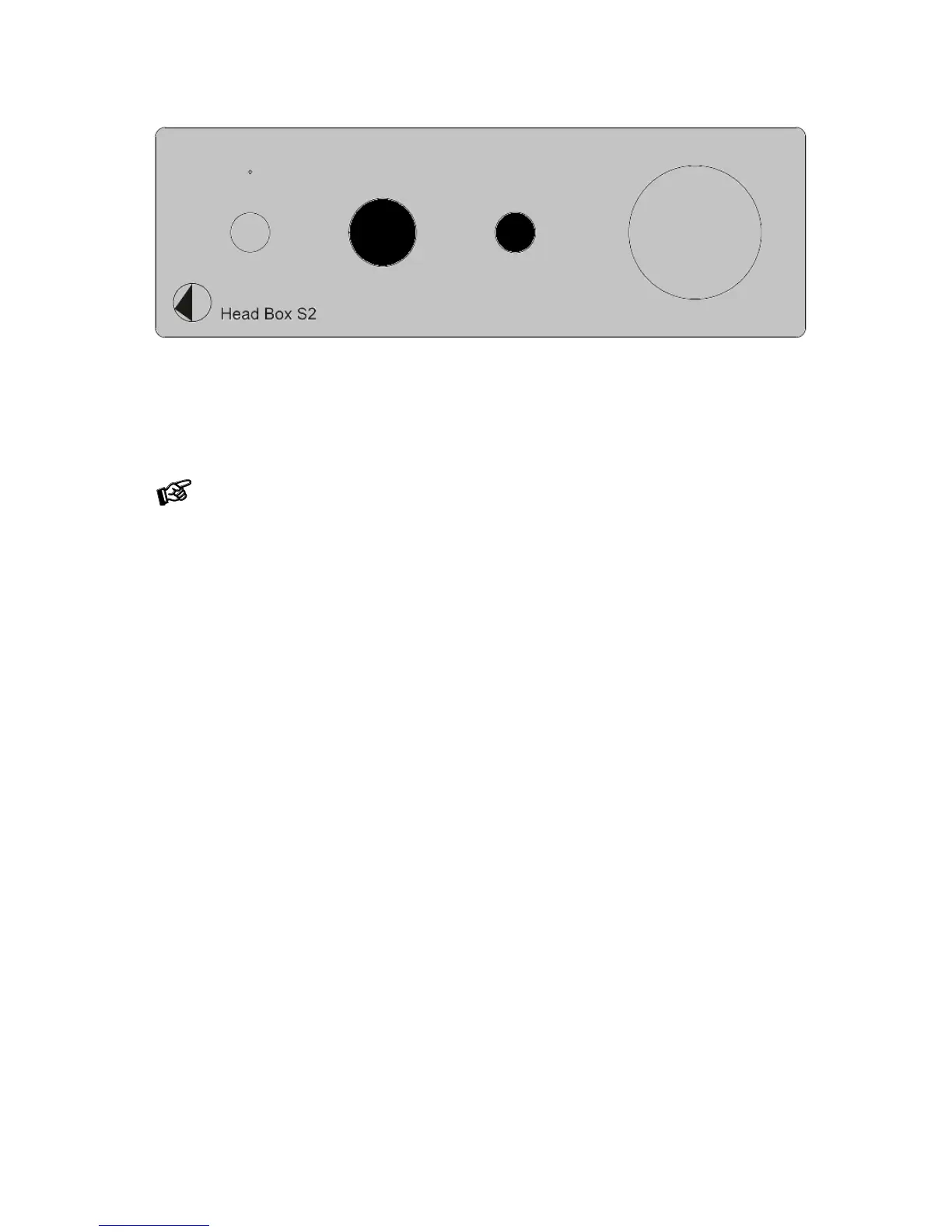
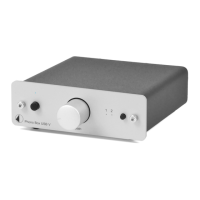
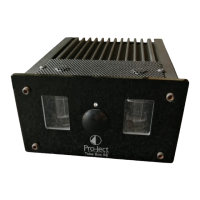
Front panel
Headphone connection
The unit offers two sockets for headphones: one 3.5mm jack and one 6.3mm jack. Headphone outputs can
be used simultaneously.
In case of using two headphones at the same time, the output power is split into each headphone
according to their impedance values
Stand-By
The button on the front panel of the unit alternately turns the power on or returns it to standby mode. The blue
LED above the stand-by push button shows that the unit is switched on.
Volume
Adjust the volume to the desired level by using the knob on the right side of the front panel. Listening at too
loud volumes can damage your hearing, we advise to listen at moderate levels.

Related product manuals