7
ASSEMBLY
Assemble the Handle
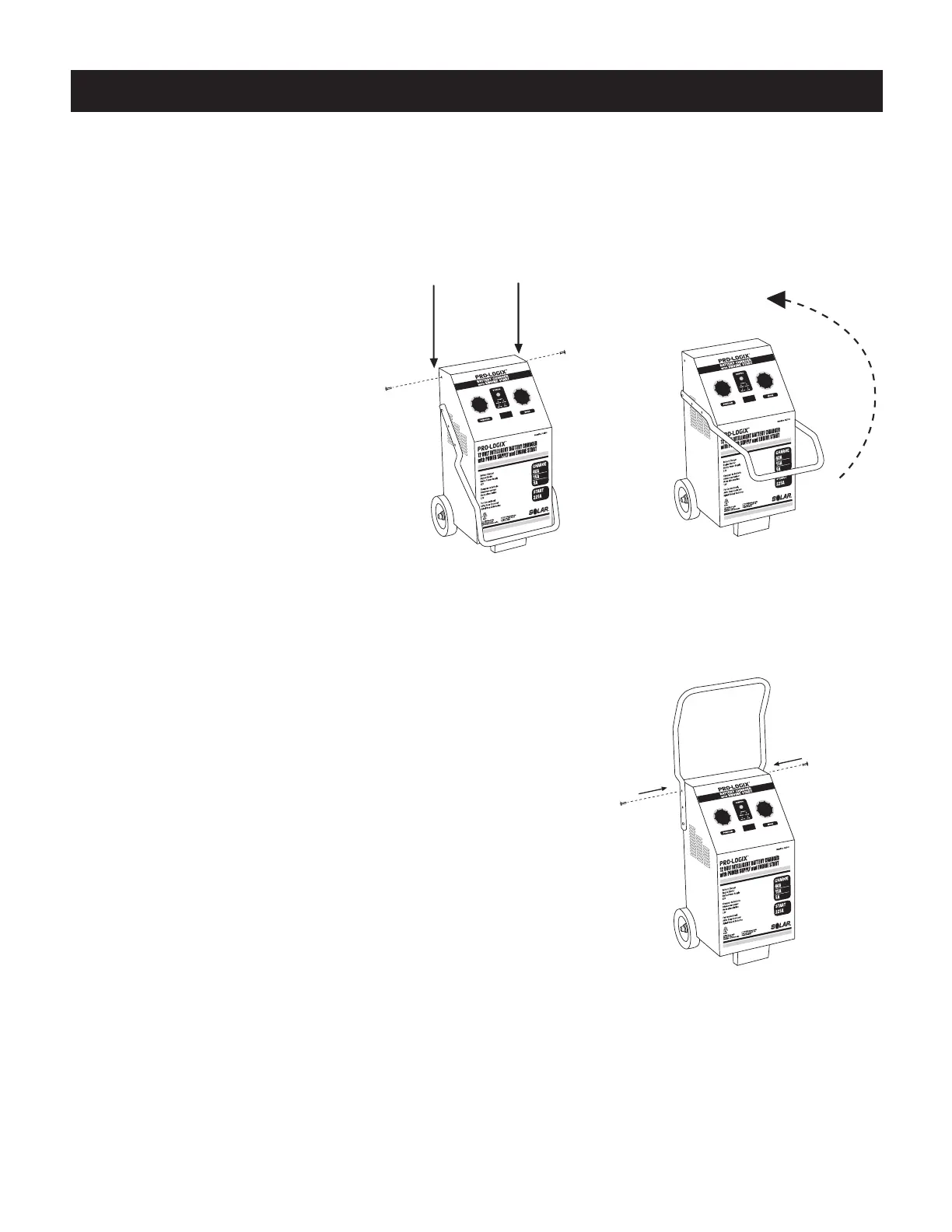
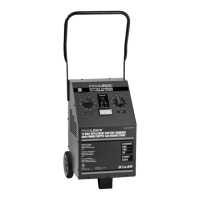
Assemble the charger handle according to the following instructions and illustrations.
1. Carefully remove the charger
unit and all associated
hardware from carton.
2. Unscrew the two screws on
either side of the charger as
shown in Figure 1. They are
the screws nearest to the
top and towards the rear
of the unit.
3. The charger is shipped with the handle partially secured
and resting in a down position on the front of the unit.
Lift the handle on its axis, up and over the front of the
charger into a vertical position, perpendicular to the top
of the unit.
4. Align the holes in the handle with the screw holes on the
side of the charger (the same holes from which you just
removed the two screws in step 2). Thread the two screws back
into their original holes (Figure 3). Tighten all four handle screws
to secure the handle in place.
Figure 1. Remove the screws
Remove the Screws
Figure 2. Lift the handle
Lift the Handle Into Position
Figure 3.
Secure the handle
Secure the Handle


 To Next Page