2
Use a damp cloth and mild detergent to clean the meter; do not use abrasive
cleaning agents or solvents.
Power supply of the meter should be turned off when not in use, range switch to the
OFF position.
If the meter is not used for a long time, batteries should be removed to prevent
damage to the meter.
2. Descriptions
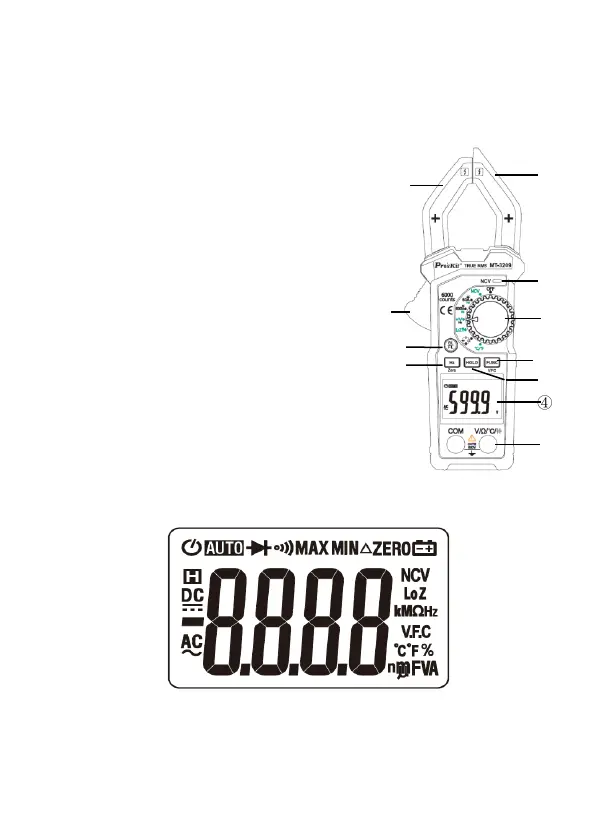
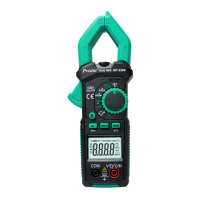
2.1 Part Name
① Non-contact voltage detection sensing area
② Non-contact voltage warning LED
③ Rotary switch
④ Function selection key
⑤ Data hold key
⑥ Display screen
⑦ Input socket
⑧ Frequency key
⑨ Back light & Flash light key
⑩ Trigger
⑪ Current clamp head: Used for measuring current
2.2 LCD Display Unit


 To Next Page