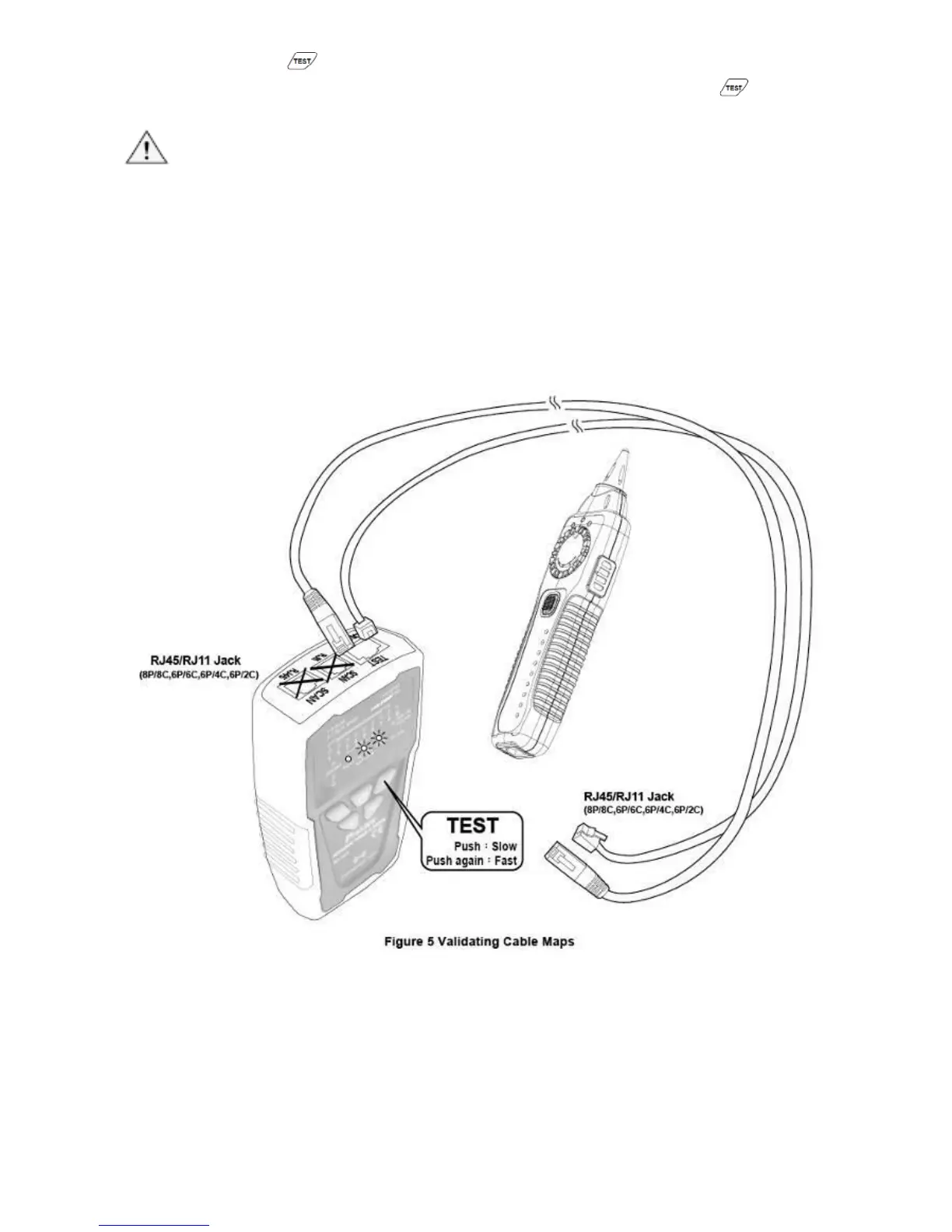
the “ ” button again, the green LED indicator flickers faster
and the fast speed scan will be operated. Push the “ ” button
again; the product will be standby for next operation.
Caution
• Each LED that corresponding to an active pin flashes briefly, and
then should light for about 1 second. For fast scan cable
mapping, the light will be flicker about 0.5 second, from 1 to 8, G.
If the cable is open, the LED indicator will not light up.
• Before cable map testing, repeat the procedures of “Locating
Cables” on page 7 to identify the correct connector or wires on
the other end of the cable if necessary.
Figure 3 Validating Cable Maps
3) Different connectors generate different LED and sound
indications as shown in Figure 4.
• RJ45(8P/8C) LED indication:MT-7028 Transmitter (from 1-8
seconds in sequence) is synchronized with the MT-7028
Receiver cable map.



 To Next Page