EasyManua.ls Logo

Pro'sKit NT-8540 - User Manual

Default Icon
28 pages
Print Icon
To Next Page IconTo Next Page
Loading...
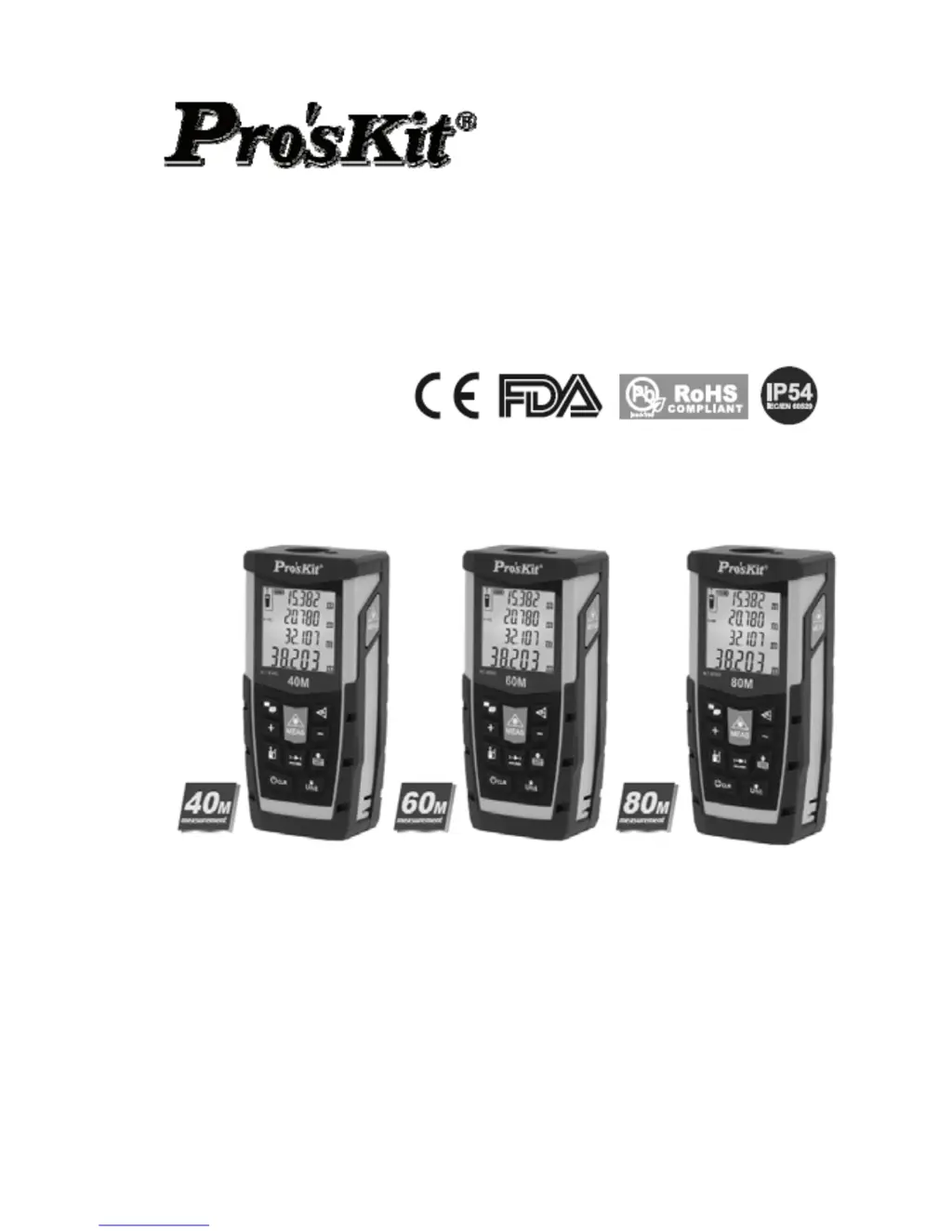
NT-8540 / NT-8560 / NT-8580
Laser Distance Measurer
Users Manual
1
st
Edition
,
2016
©2016 Prokit’s Industries Co., Ltd

Questions and Answers

  • T
    Tim CollierJul 31, 2025
    What to do if my Pro'sKit Measuring Instruments show 'Battery low'?
    • N
      Nicholas GuzmanAug 1, 2025
      If your Pro'sKit Measuring Instruments display indicates 'Battery low,' the cause is a low battery. You should replace the batteries with new ones.
  • C
    Connor RyanAug 5, 2025
    What to do if Pro'sKit Measuring Instruments show a hardware error?
    • T
      Todd WestAug 5, 2025
      If your Pro'sKit Measuring Instruments display shows a hardware error, try switching the device off and on several times. If the error symbol persists, it indicates a defect, and you should contact your distributor for assistance.
  • D
    dwayneorrAug 9, 2025
    What to do if Pro'sKit NT-8540 receive signal too strong?
    • B
      Brett PayneAug 9, 2025
      If the Pro'sKit Measuring Instruments receive a signal that is too strong, it means the target is too reflective. Try using a target plate or avoid aiming at strong light objectives.
  • K
    Kristin Hurley MDAug 13, 2025
    Why Pro'sKit NT-8540 show that temperature is too high?
    • T
      Thomas SnyderAug 13, 2025
      If the temperature is too high when using Pro'sKit Measuring Instruments, ensure the external temperature for the instrument is kept between 0°C and 40°C.
  • K
    Kristin JonesAug 18, 2025
    How to fix weak signal and long measurement time on Pro'sKit Measuring Instruments?
    • C
      Carrie VillanuevaAug 18, 2025
      If the received signal is too weak and the measurement time is too long on your Pro'sKit Measuring Instruments, the cause is a weak signal. Try using a target plate or switch to a surface with better reflectivity.
  • P
    Paul PruittAug 22, 2025
    What to do if Pro'sKit NT-8540 measure value over range?
    • R
      rleeAug 22, 2025
      If the measured value is over range on your Pro'sKit Measuring Instruments, it means the measurement is outside of the device's capabilities. Please ensure your measurement is within the specified range.
  • T
    Tanya DyerAug 27, 2025
    How to fix low temperature issue with Pro'sKit Measuring Instruments?
    • C
      Connie SaundersAug 27, 2025
      If you are experiencing low temperature issues with your Pro'sKit Measuring Instruments, it's because the temperature is too low. You should warm up the device to meet the required working conditions.

Summary

Product Overview

Power on; off

Instructions for inserting/replacing batteries and closing the cover.

Power on

Press MEAS to power on the device to the single distance measurement interface.

Power off (manually)

Long press CLR to switch off the device.

Power off (automatically)

The instrument switches off automatically after three minutes of inactivity.

Device Button Functions

Core Operation Buttons

Buttons for Power, Laser, Measure, Clear, and Continuous Measurement (1, 8, 10).

Display Layout and Indicators

Core Measurement Operations

Single Distance Measurement

Procedure for activating the laser and triggering a single distance measurement.

Continuous Measurement (Min; Max)

How to activate continuous measurement and view minimum/maximum recorded distances.

Advanced Measurement Functions

Troubleshooting Guide

Technical Specifications

Pro'sKit NT-8540 Specifications

General IconGeneral
DisplayLCD
Resistance Range200Ω/2kΩ/20kΩ/200kΩ/2MΩ/20MΩ
Diode TestYes
Continuity TestYes
Battery9V
DC Voltage Range200mV/2V/20V/200V
DC Current Range200μA/2mA/20mA/200mA/10A

Related product manuals