Single Distance Measurement
Press
to activate the laser. Press again to
trigger the distance measurement. The result is
displayed immediately.
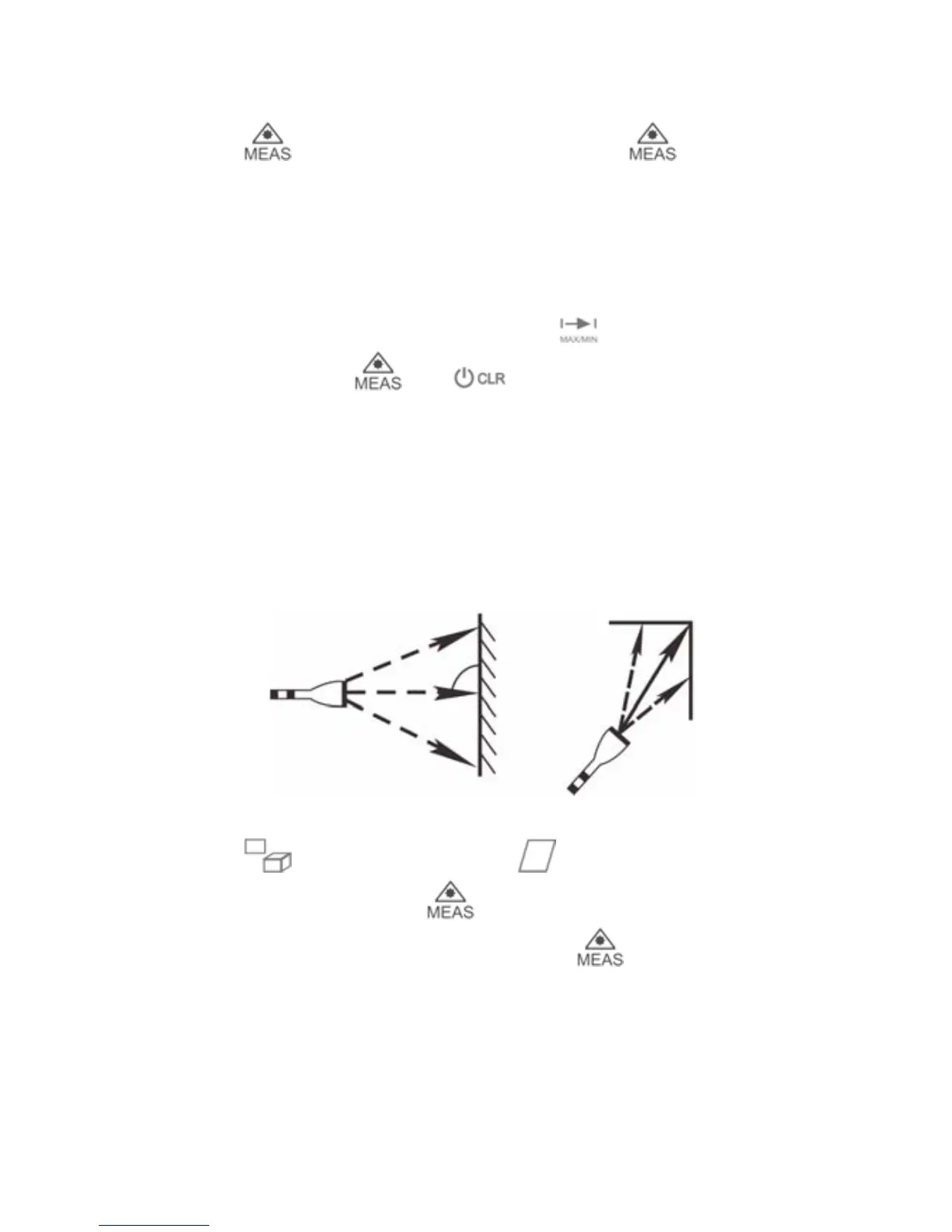
Continuous Measurement (Min / Max)
Press key to activate continuous
measurement.
User can press or to stop the function and
the values of maximum and minimum distances are
shown in the display as well as the last measured value
in the summary line. This function will stop automatically
after 5 minutes of inactivity.
A
rea Measurement
Press once, the symbol appears in function
filed of display. Press to take the first distance
measurement (e.g. Length). Press again to take the
second distance measurement (e.g. width). The results
of length, width and area are displayed in the display
orderly.
5



 To Next Page